NewAffiliate program: earn 20% of every store's plan, every month
How it works

See it in 10 seconds.

Select product

  • White knit sweater1 photo
  • Washed charcoal cap1 photo
  • Mustard ribbed beanie1 photo
  • Forest green ribbed socks1 photo

Choose a model

  • Mira
  • Noor
  • Iris
  • AmaraSelected
  • Lena
  • Malik

Where should the photoshoot happen?

  • Studio
  • Loft
  • Café
Describe itDescribe the placeA photo studio with a seamless mustard-yellow paper backdrop and floor, lit with warm, soft light from one side for gentle shadows.Selected

Photoshoot #1032 Ready

White knit sweater · Amara · Mustard studio · 6 photos · 3:4

  • Amara wearing the white knit sweater, hands in pockets, in a mustard-yellow studioHands in pockets
  • Amara wearing the white knit sweater, leaning, in a mustard-yellow studioLeaning
  • Amara wearing the white knit sweater, from behind, in a mustard-yellow studioBack
  • Amara wearing the white knit sweater, walking, in a mustard-yellow studioWalking
  • Amara wearing the white knit sweater, at three-quarter view, in a mustard-yellow studioThree-quarter
  • Amara wearing the white knit sweater, seated, in a mustard-yellow studioSeated

Add 3 photos to White knit sweater

Alt text: “White knit sweater worn by a model, leaning”

CancelAdd 3 photos to product
01 / 05

Start from one photo.

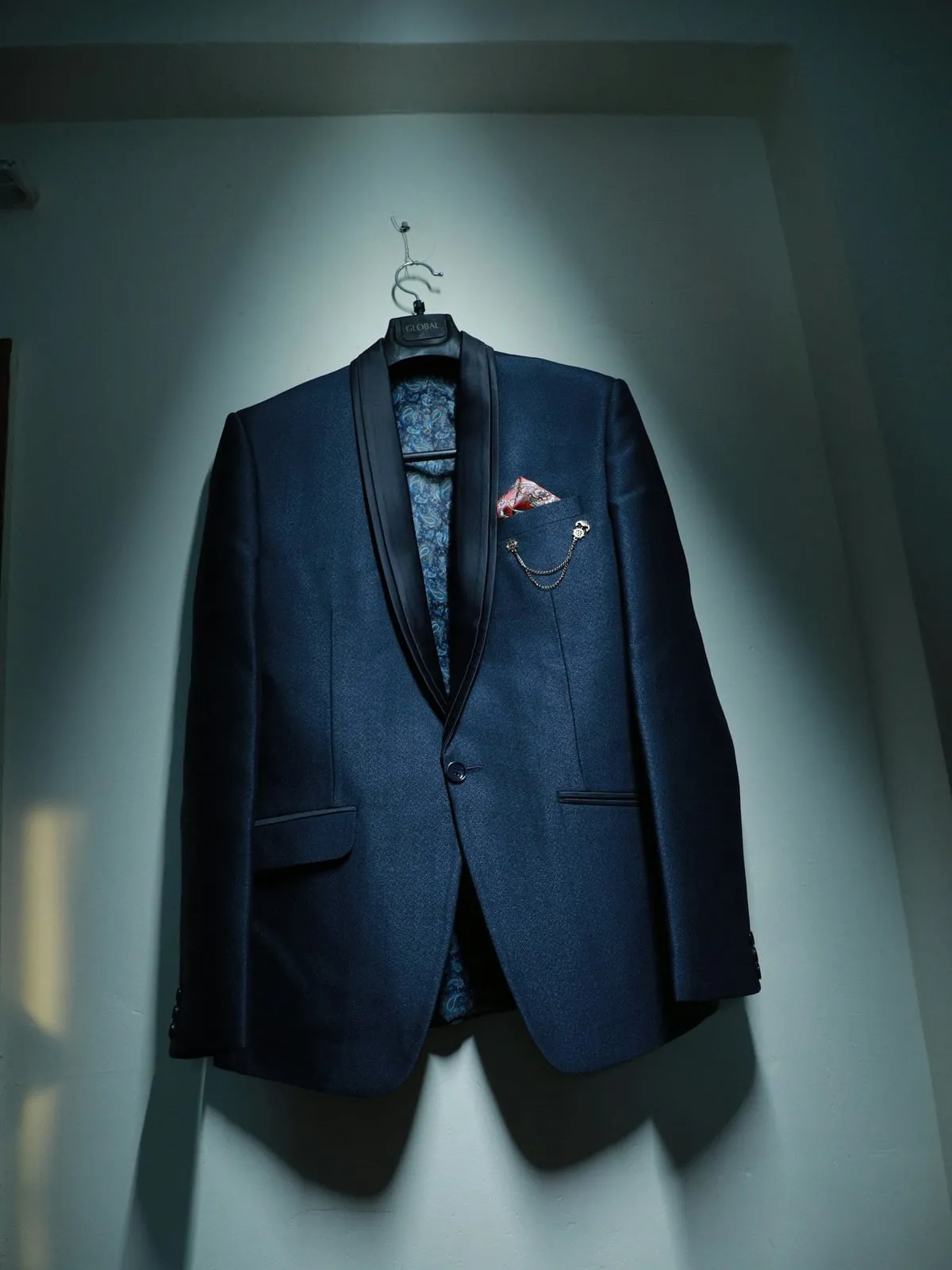
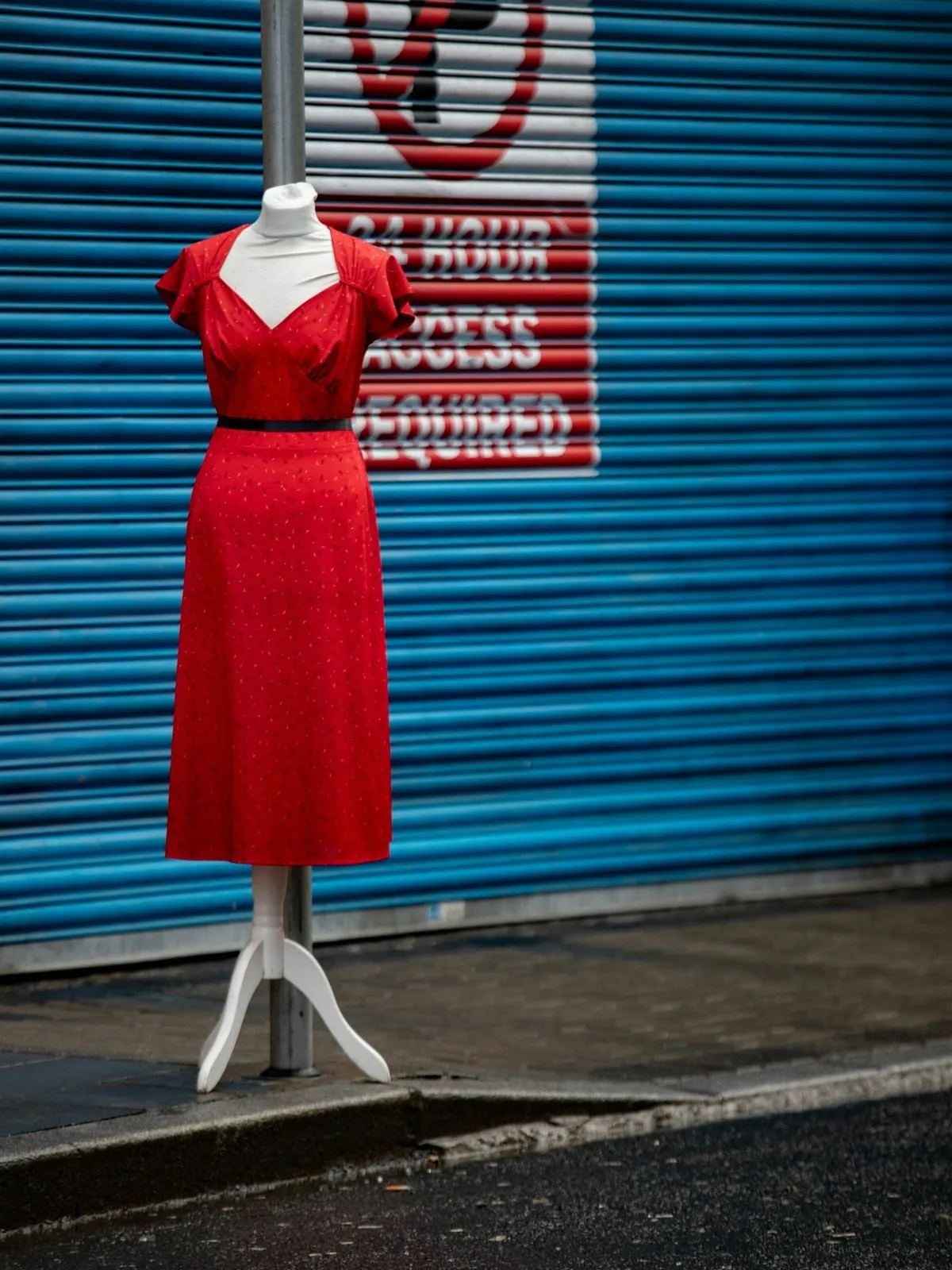
The photo already on your product: laid flat, on a hanger, on a mannequin or on its own.
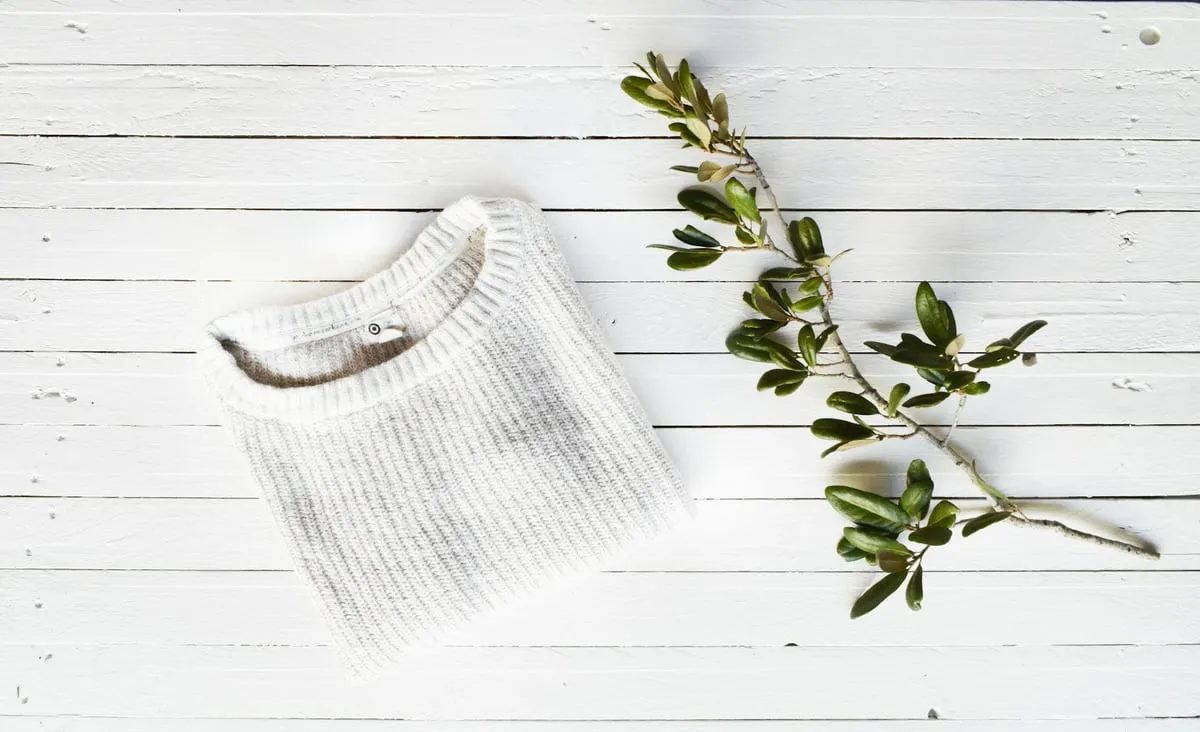
  • Laid flat
  • On a hanger
  • On a mannequin
  • On its own
02 / 05

Pick a model.

20 adults and 6 children, in every build. Or no model at all.

Meet all 26 →
  • Amara, an OnShoot modelAmara
  • Mira, an OnShoot modelMira
  • Noor, an OnShoot modelNoor
  • Iris, an OnShoot modelIris
  • Luca, an OnShoot modelLuca
  • Malik, an OnShoot modelMalik
  • Maya, an OnShoot modelMaya
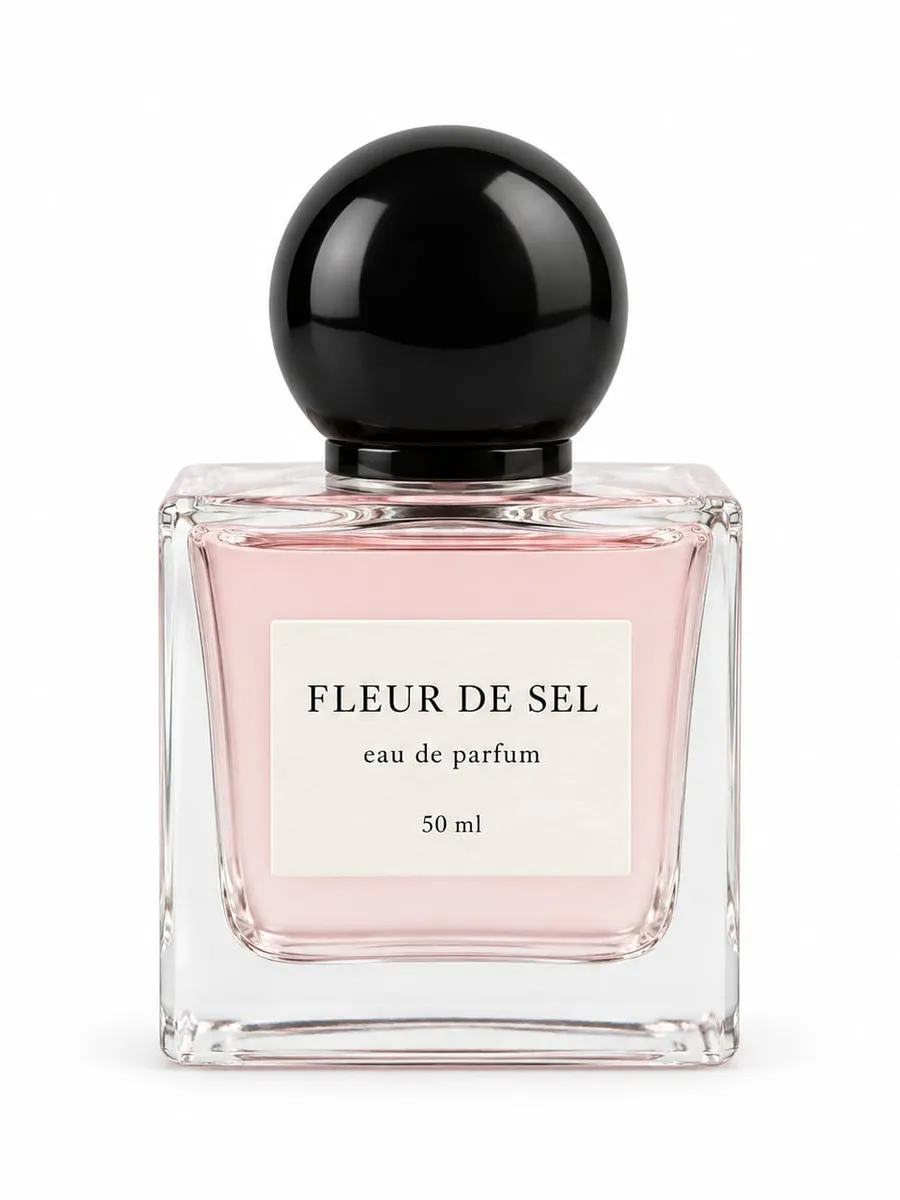
  • The FLEUR DE SEL eau de parfum, floating in air, on black glossNo model
03 / 05

Pick a place.

29 places and 21 backgrounds. Or describe your own, or upload a photo of it.

See every place →
  • Studio
  • Loft
  • Café
  • Street
  • Beach
  • A café photo, uploaded as the placeYour photo

Or describe it“A photo studio with a seamless mustard-yellow paper backdrop and floor, lit with warm, soft light from one side.”

04 / 05

Generate.

Up to 12 photos in a few minutes, each 2480 × 3312.

  • Amara wearing the white knit sweater, hands in pockets, in a mustard-yellow studioHands in pockets
  • Amara wearing the white knit sweater, leaning, in a mustard-yellow studioLeaning
  • Amara wearing the white knit sweater, from behind, in a mustard-yellow studioBack
  • Amara wearing the white knit sweater, walking, in a mustard-yellow studioWalking
  • Amara wearing the white knit sweater, at three-quarter view, in a mustard-yellow studioThree-quarter
  • Amara wearing the white knit sweater, seated, in a mustard-yellow studioSeated
05 / 05

Add the ones you like.

Straight to your Shopify product, with alt text written for you.

On your store

Same sweater. Better page.

Before
After OnShoot
Questions

How it works, answered.

Something else? Write to support@onshoot.app and a person will reply.

Do I need new photos of my products?

No. OnShoot works from the photos already on your product. A clear, front-facing photo of the whole product works best, at least 512 px on both sides.

Can I shoot a product without a model?

Yes. Choose Product only and pick one of 21 backgrounds: the way most beauty is photographed, and it works for any product.

What if a photo doesn't come out?

Its credits come back automatically. The AI turns some photos down, most often because the product photo was too small, cropped, or had more than the product in it.

How long does a photoshoot take?

About two minutes for most photoshoots, and around three for twelve photos. It runs in the background, so you can leave the page and come back.

Can I use my own location?

Yes. Describe the place in a sentence, or upload a photo of your shop, studio or wall, and the model is photographed there.

What does adding photos to a product change?

Only its media. Add puts the photos after the current ones; Replace takes the current ones off first, and they stay in your store's Files.

How am I billed?

Through Shopify, on your store's regular bill. Credits arrive at the start of each billing period, and credits left over don't carry into the next one.

Your next product photos are a few minutes away.

Install OnShoot free and make your first five photos today.