


Glasses model photos: Glasses and sunglasses, on a face.
One photo of the frames. OnShoot puts them on a model, close up or in a full look.
Install on Shopify — free

Every angle, same frames.
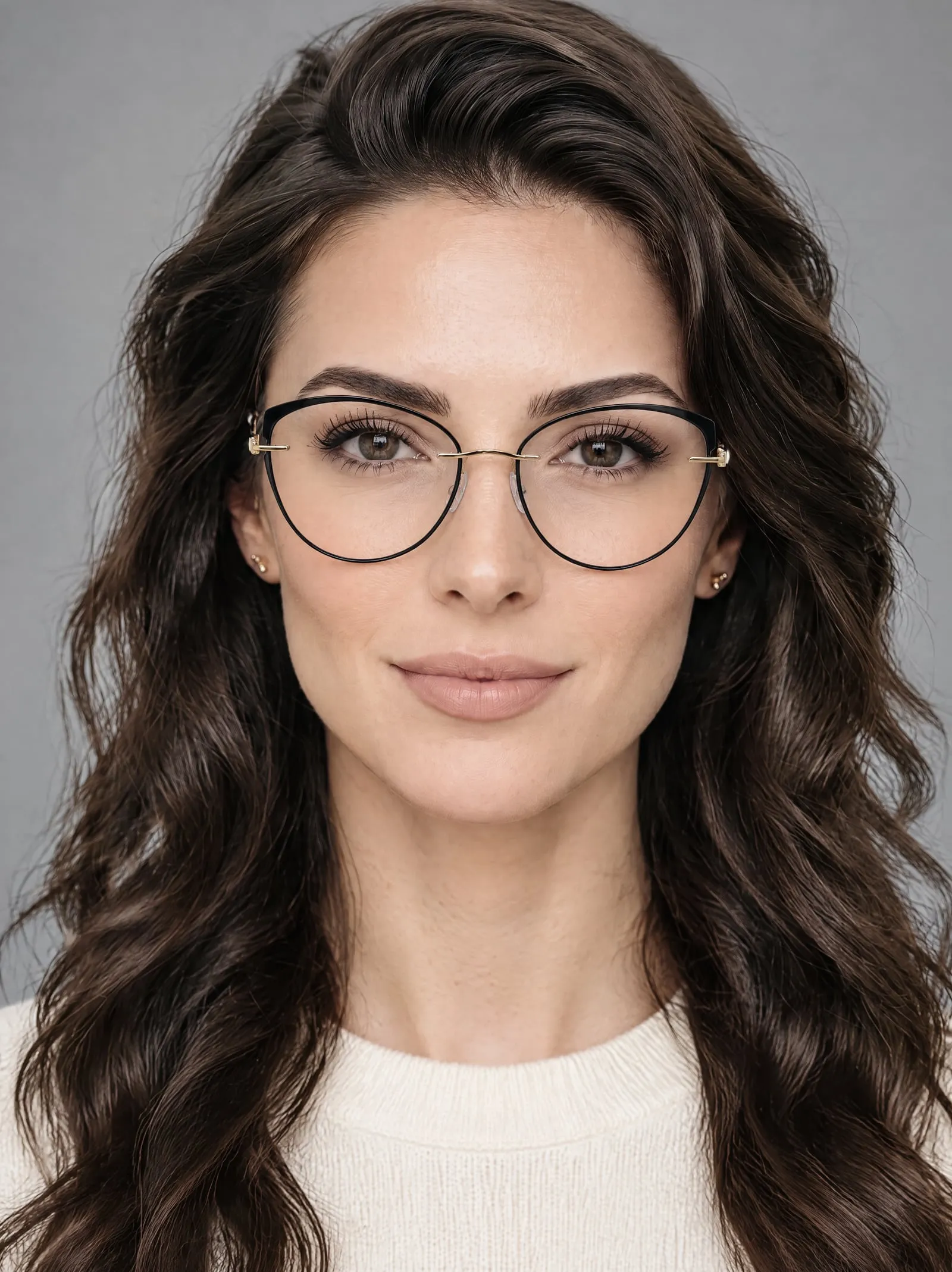
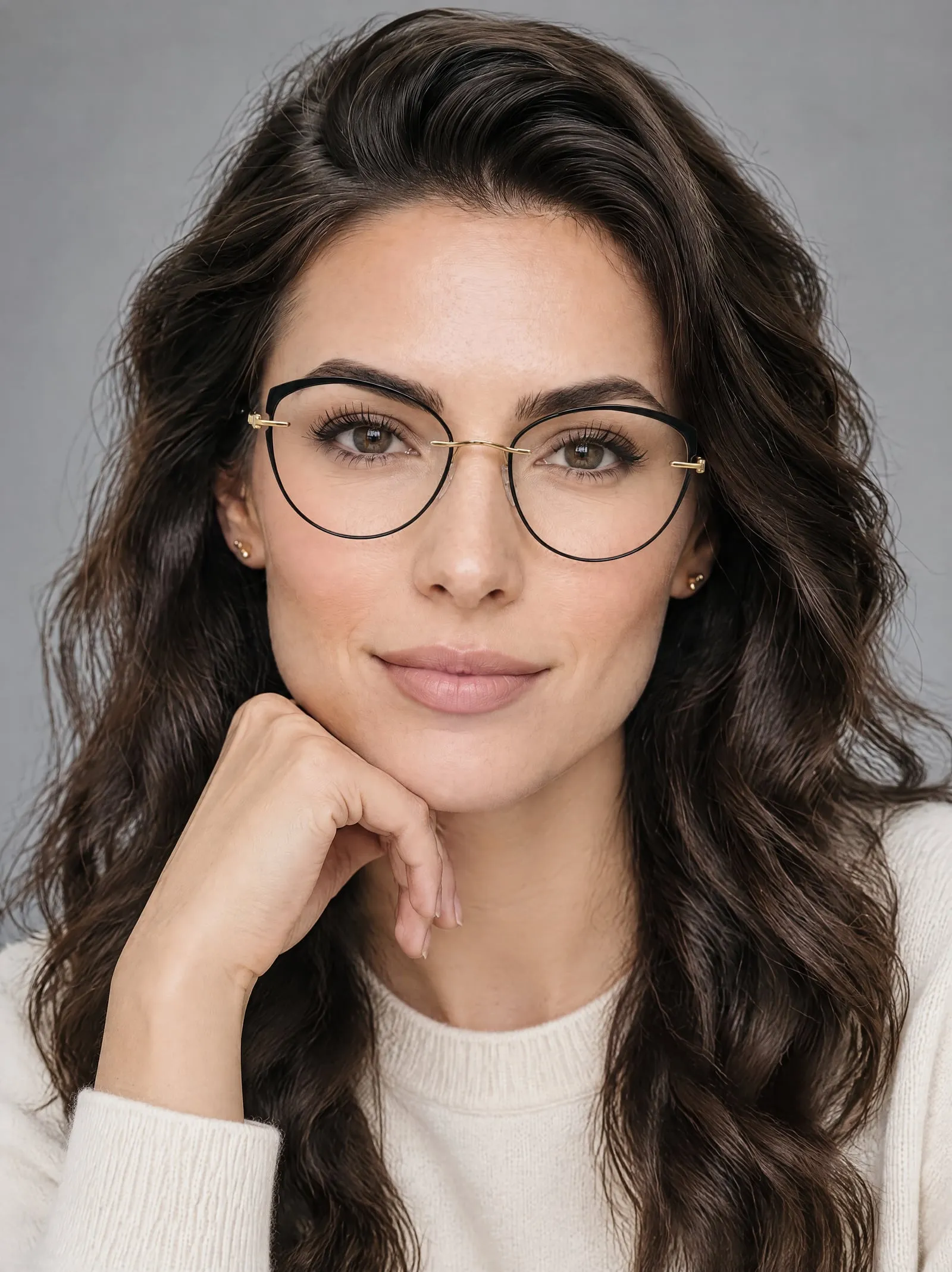
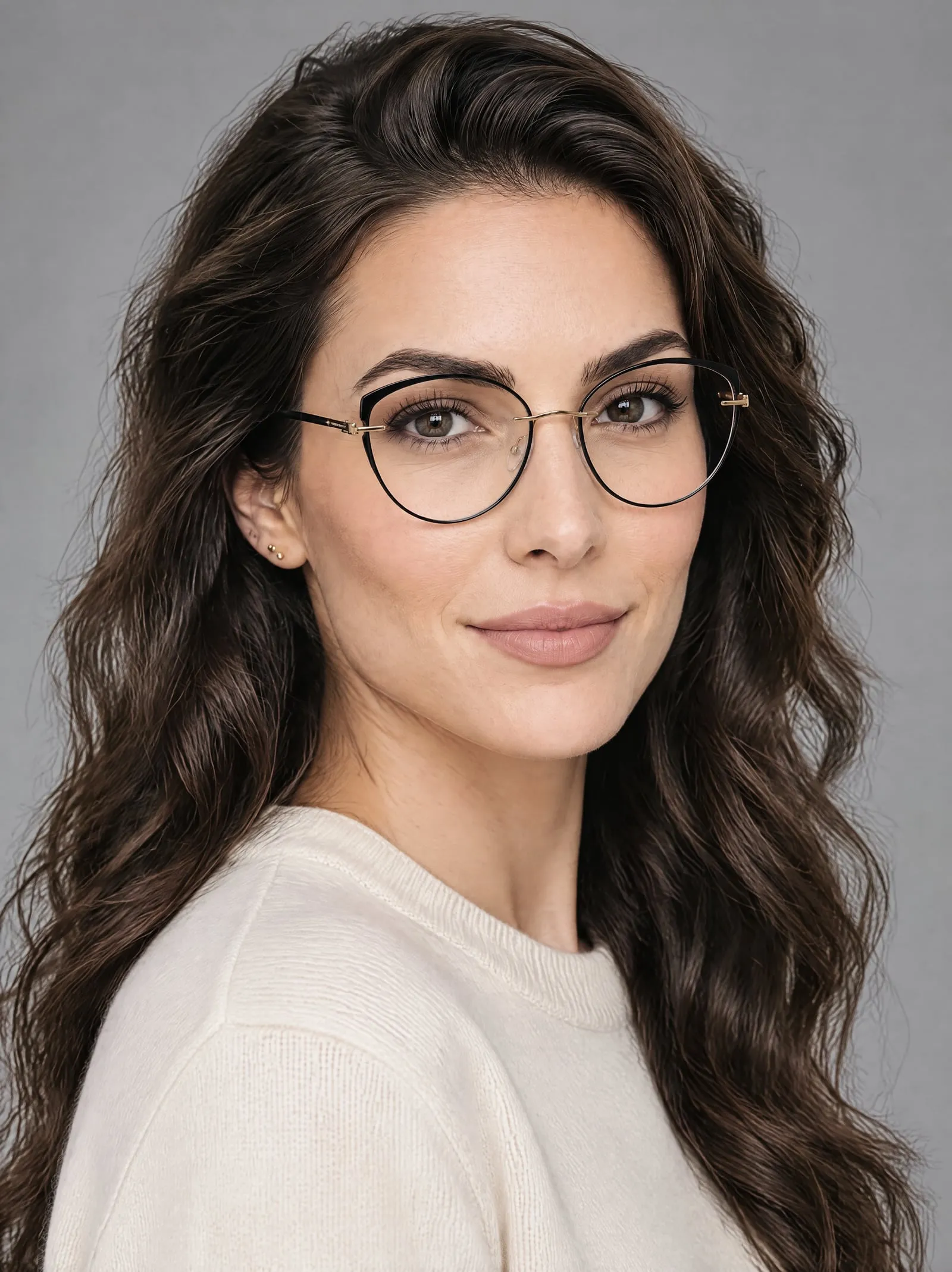
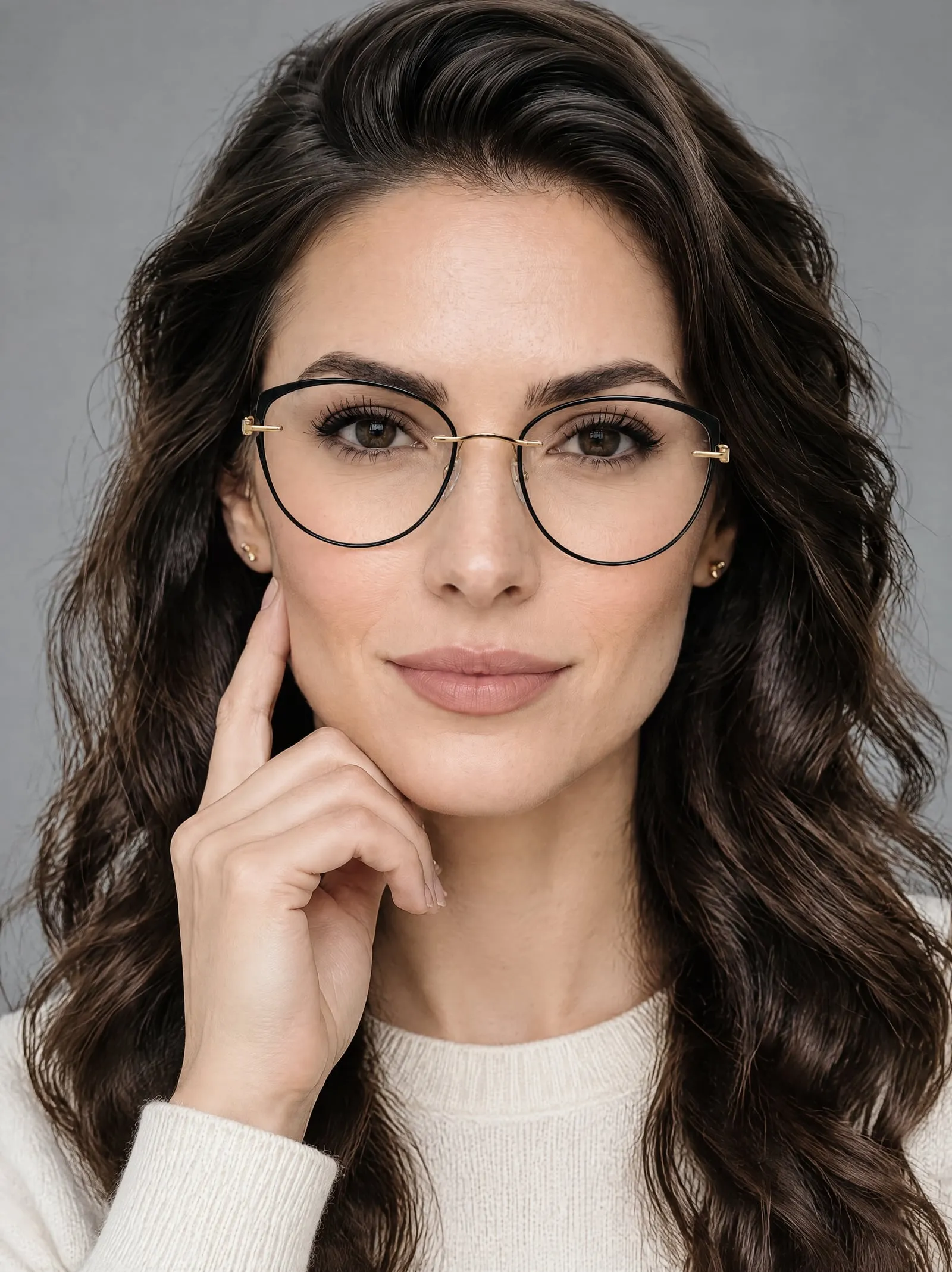


More accessories, from one photo.


Three steps, a few minutes.
- 1
Pick the product
Its product photo is already on it.
- 2
Choose a model and a place
Full body, close-up, or a mix.
- 3
Add the photos you like
Up to 12 a shoot, straight to the product.
Questions, answered.
Something else? Write to support@onshoot.app and a person will reply.
Do the frames keep their shape and colour?
OnShoot reads the frames from your photo: their shape, colour and details like hinges and two-tone rims. Every photo in a shoot shows the same frames on the same model.
Can I get close-ups?
Yes. Choose Close-up and the camera goes where the product is, or Mix for some of each. The rest of the outfit is styled to leave the product in view.
What photo of the glasses should I start from?
The frames from the front, arms open, sharp and in even light, at least 512 px on each side. A plain background works best.
Can I shoot it without a model?
Yes. Choose Product only and pick one of 21 backgrounds: colour sweeps, podiums and stone, sun and shadow, and more.
How big are the photos?
2480 × 3312 pixels: 8 MP, in the 3:4 shape most product pages use.
What does it cost?
Ten credits a photo. The Free plan makes 5 photos a month; Growth makes 150 for $29, about $0.19 a photo. Photos that don't come out are refunded in credits.
Try it on your own product.
Five free photos a month, with every model and place.
