


Hanger to model: Off the hanger, onto a model.
Clothes on a hanger or a rail, photographed once. OnShoot puts them on a model, in a place you pick.
Install on Shopify — free

One hanger, a whole shoot.
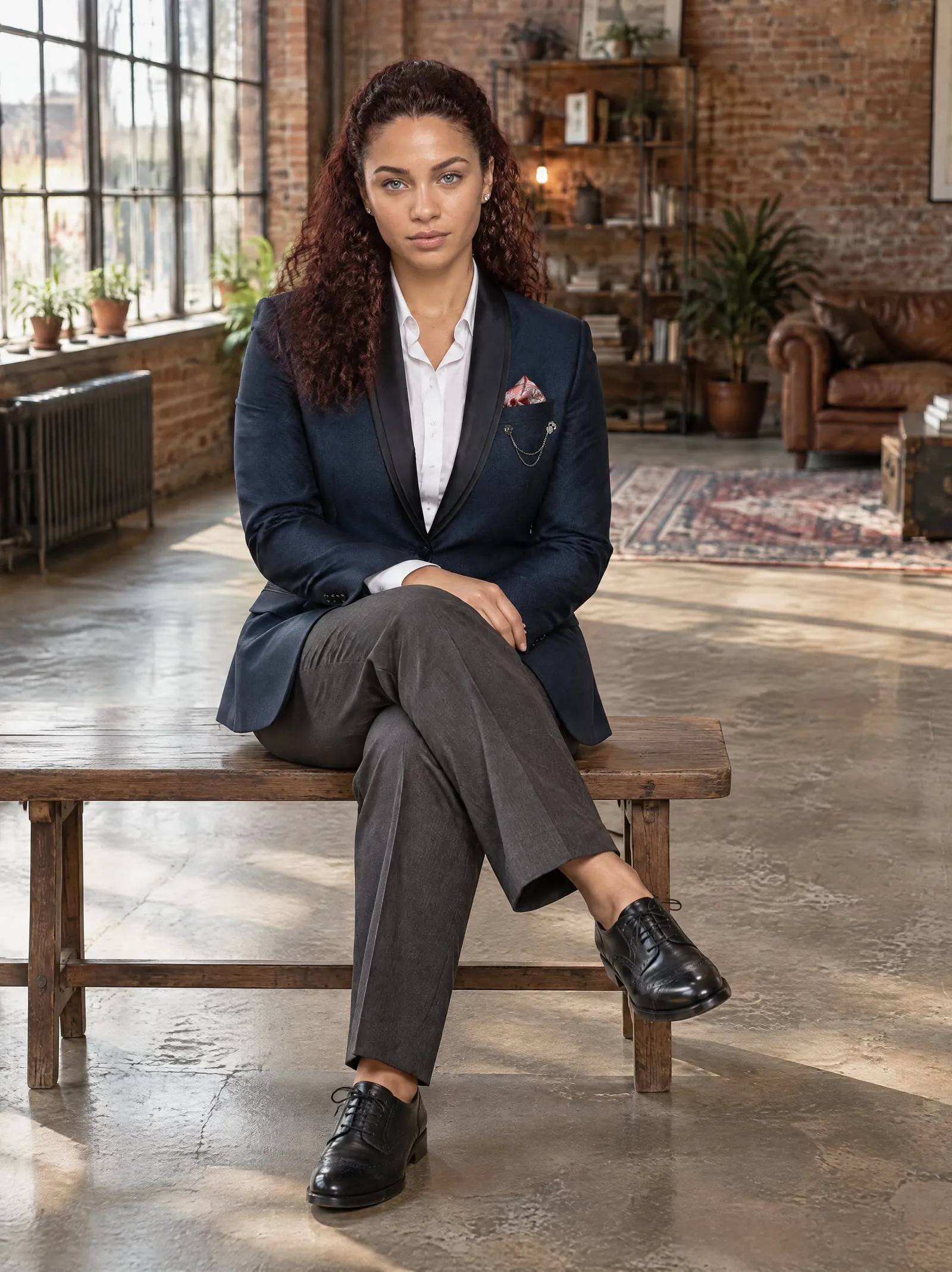
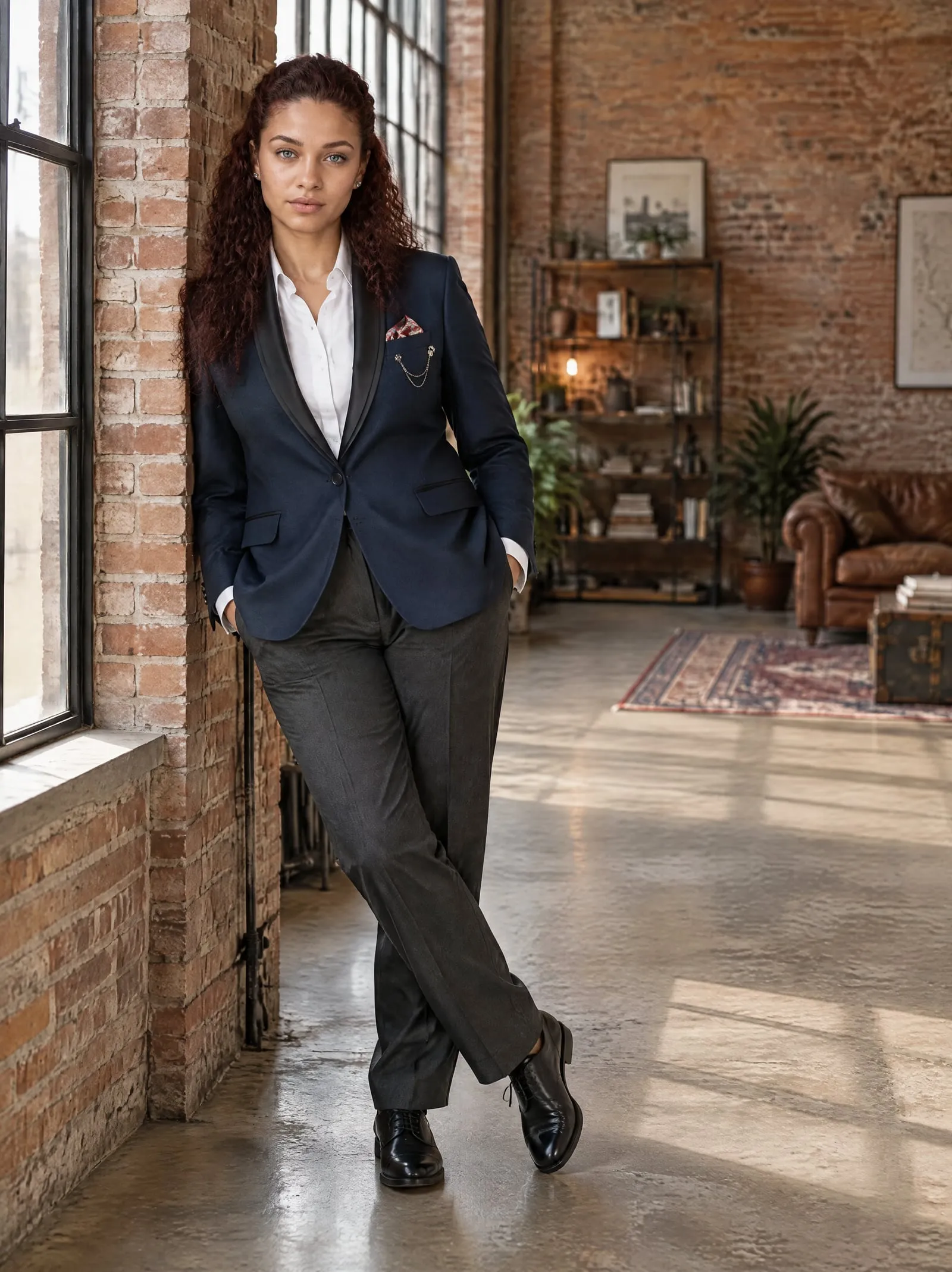
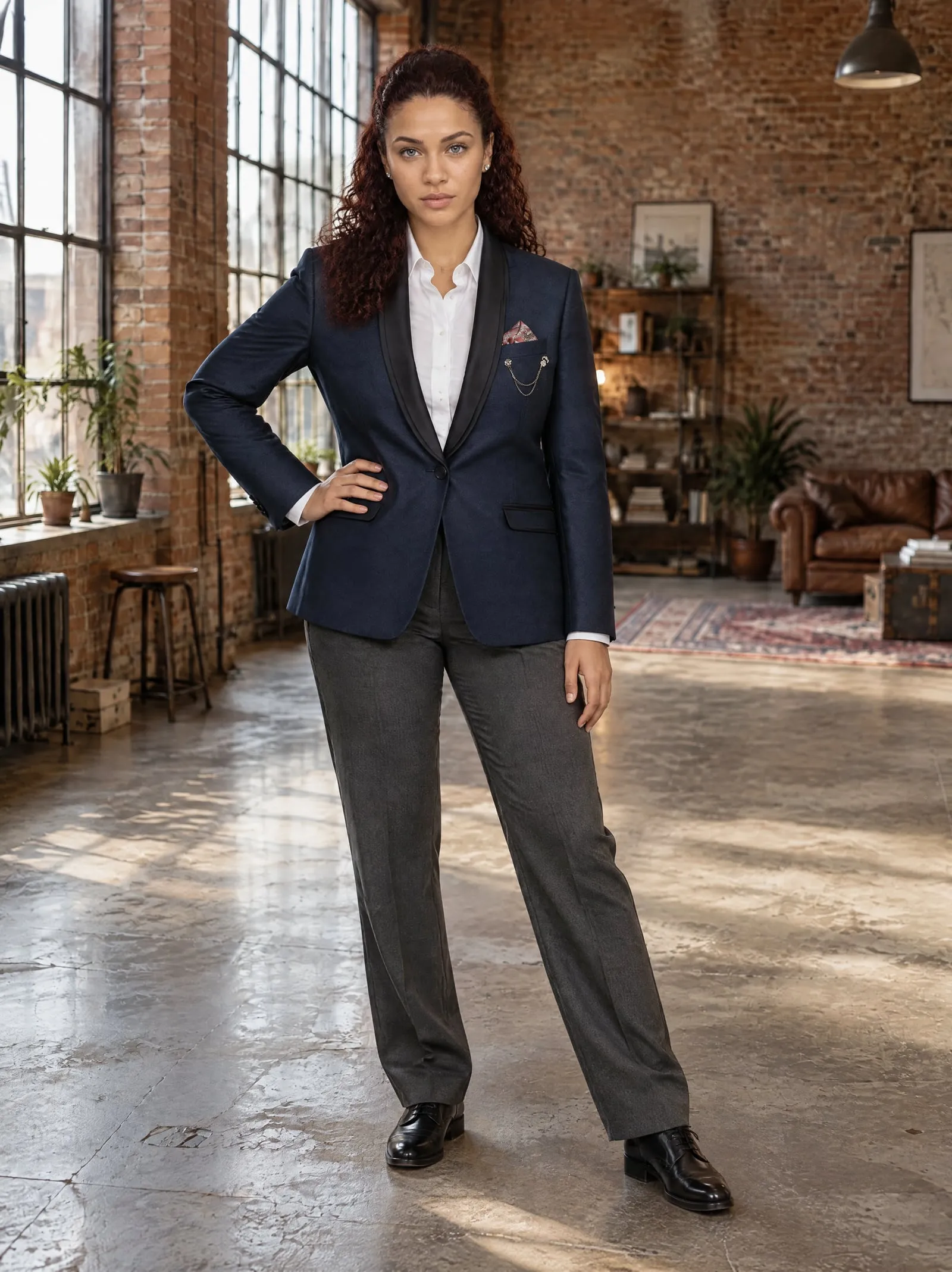
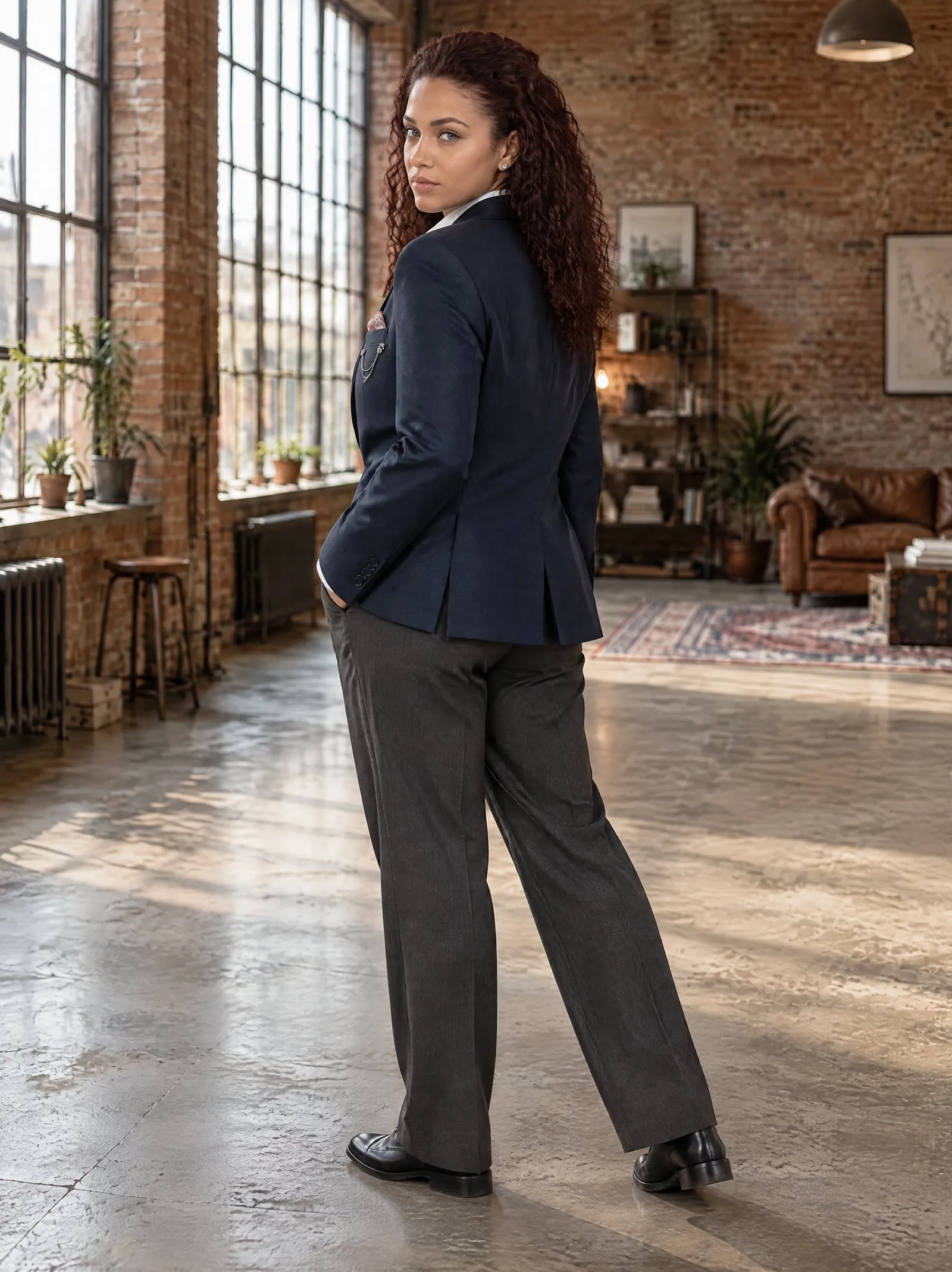


Any product, from one photo.


Three steps, a few minutes.
- 1
Pick the product
Its hanger photo is already on it.
- 2
Choose a model and a place
26 models, 29 places, or your own.
- 3
Add the photos you like
Up to 12 a shoot, straight to the product.
Questions, answered.
Something else? Write to support@onshoot.app and a person will reply.
What is hanger to model?
It turns a photo of clothes on a hanger or a rail into photos of a model wearing them. In OnShoot you pick the product, a model and a place, and it makes up to 12 photos in a few minutes.
Does the blazer look the same in every photo?
Yes. The twelve photos of shoot #1031 above came from one photo of the blazer on its hanger: one model, one loft, one blazer, twelve poses.
What makes a good hanger photo?
The whole garment in frame, hanging straight, in even light, at least 512 px on each side. A plain wall is best; more than the product in the photo is the most common reason a photo is turned down.
Can I shoot it in my own shop?
Yes. Describe a place in a sentence, or upload a photo of your shop, studio or wall, and the model is photographed there.
How big are the photos?
2480 × 3312 pixels: 8 MP, in the 3:4 shape most product pages use.
What does it cost?
Ten credits a photo. The Free plan makes 5 photos a month; Growth makes 150 for $29, about $0.19 a photo. Photos that don't come out are refunded in credits.
Try it on your own product.
Five free photos a month, with every model and place.


