


AI models for clothing brands: Your collection, on models.
26 AI models, 29 places, and the product photos you already have. No studio to book.
Install on Shopify — free

Pick who wears it.
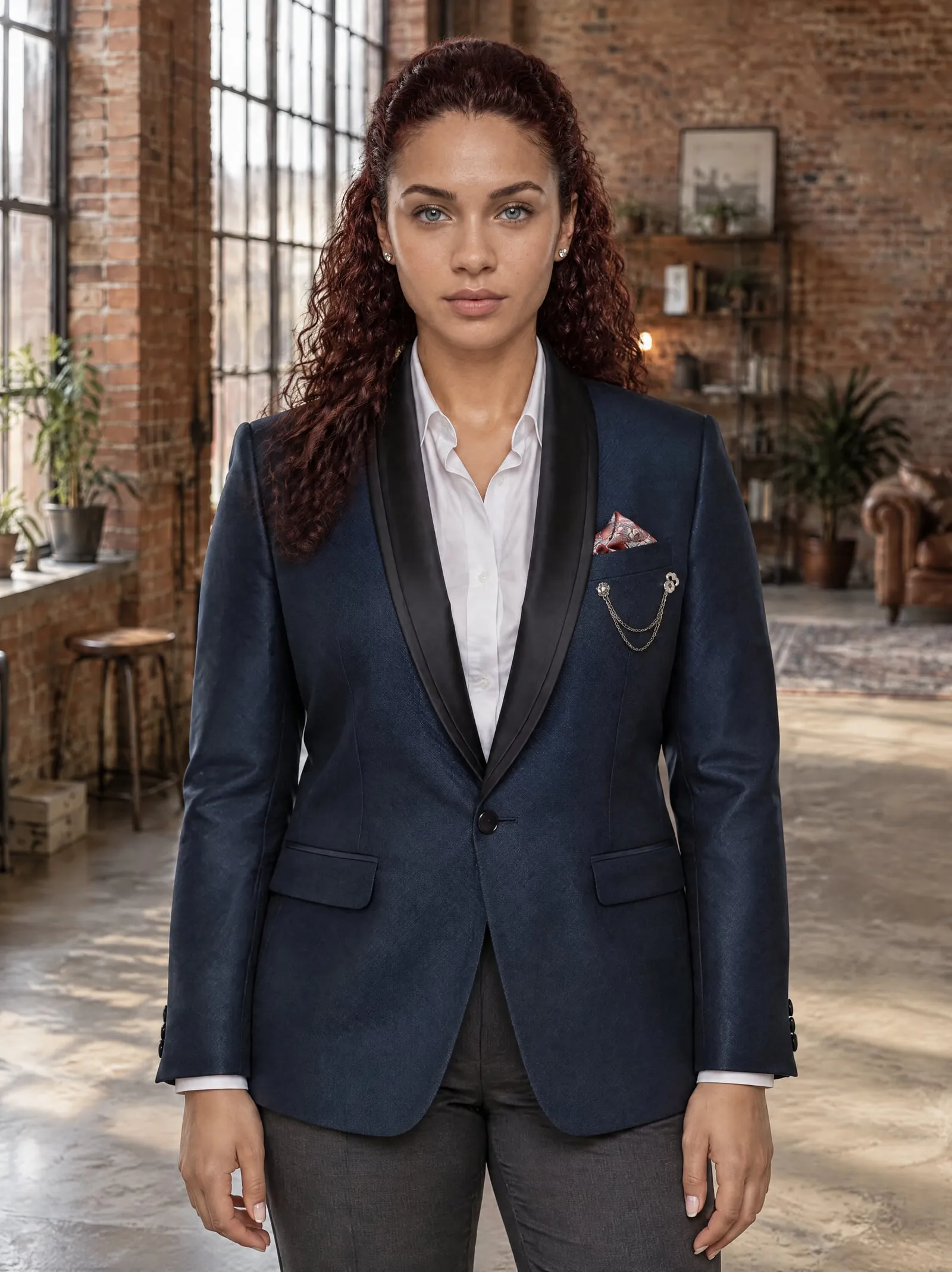
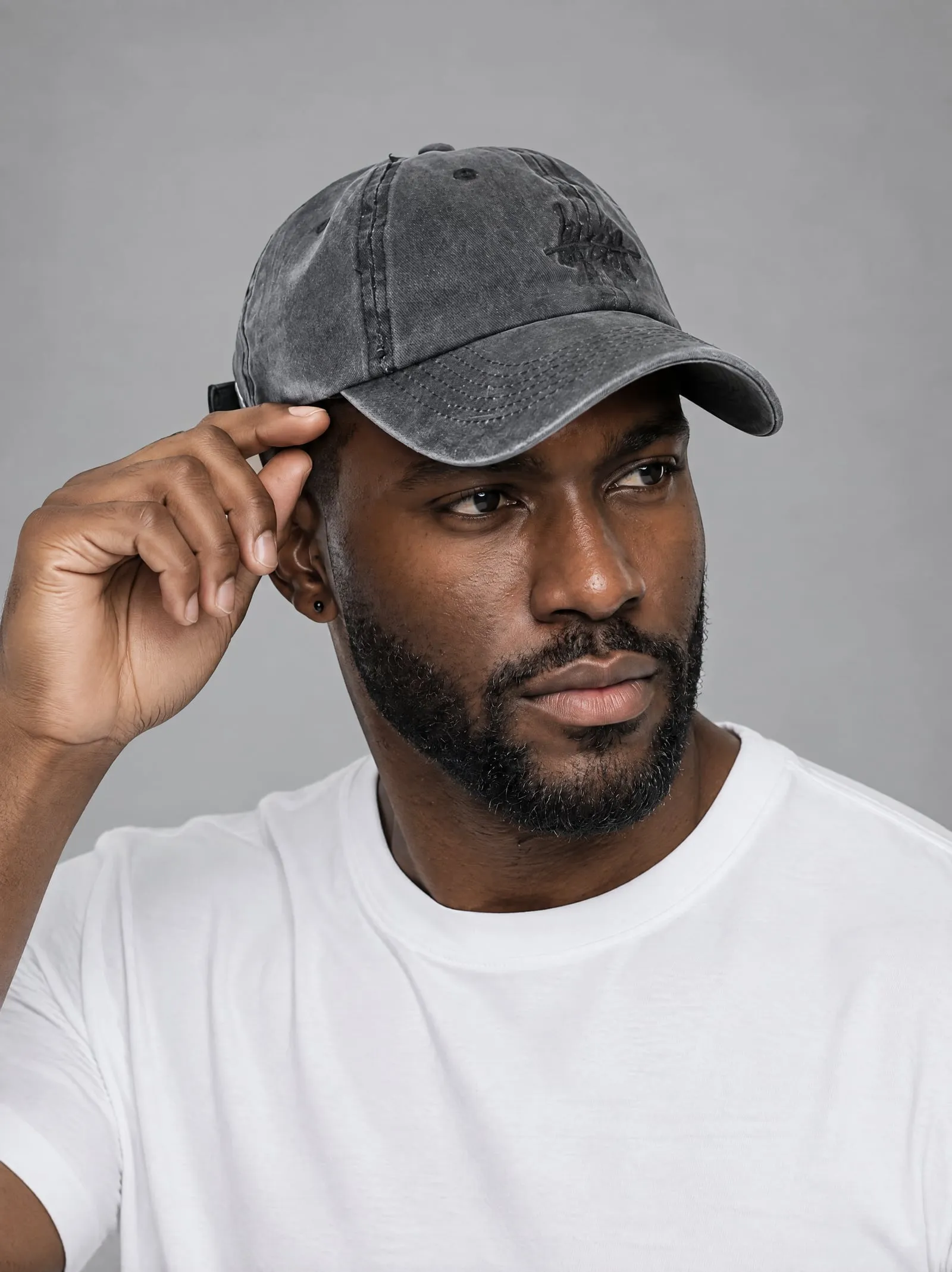
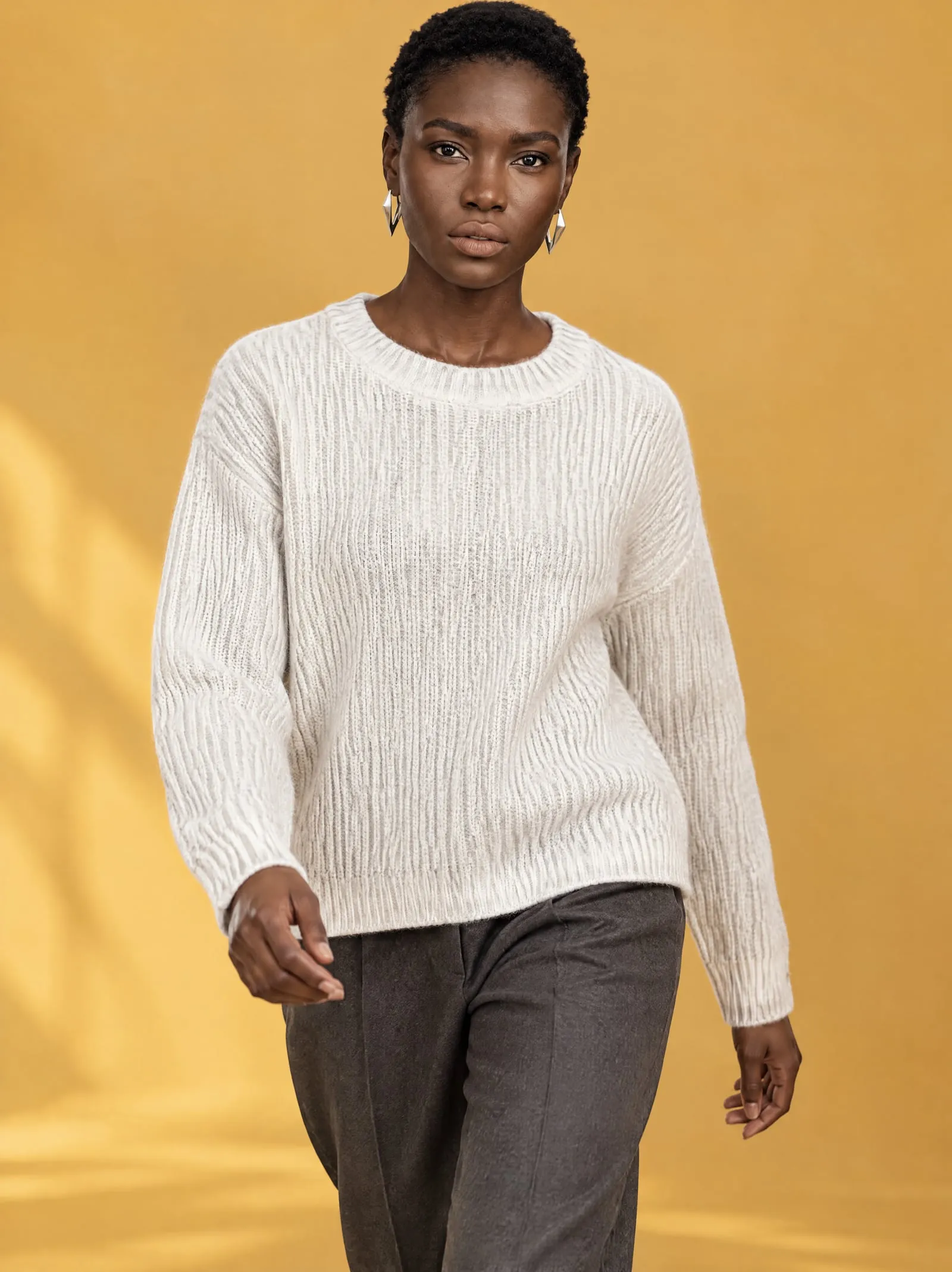
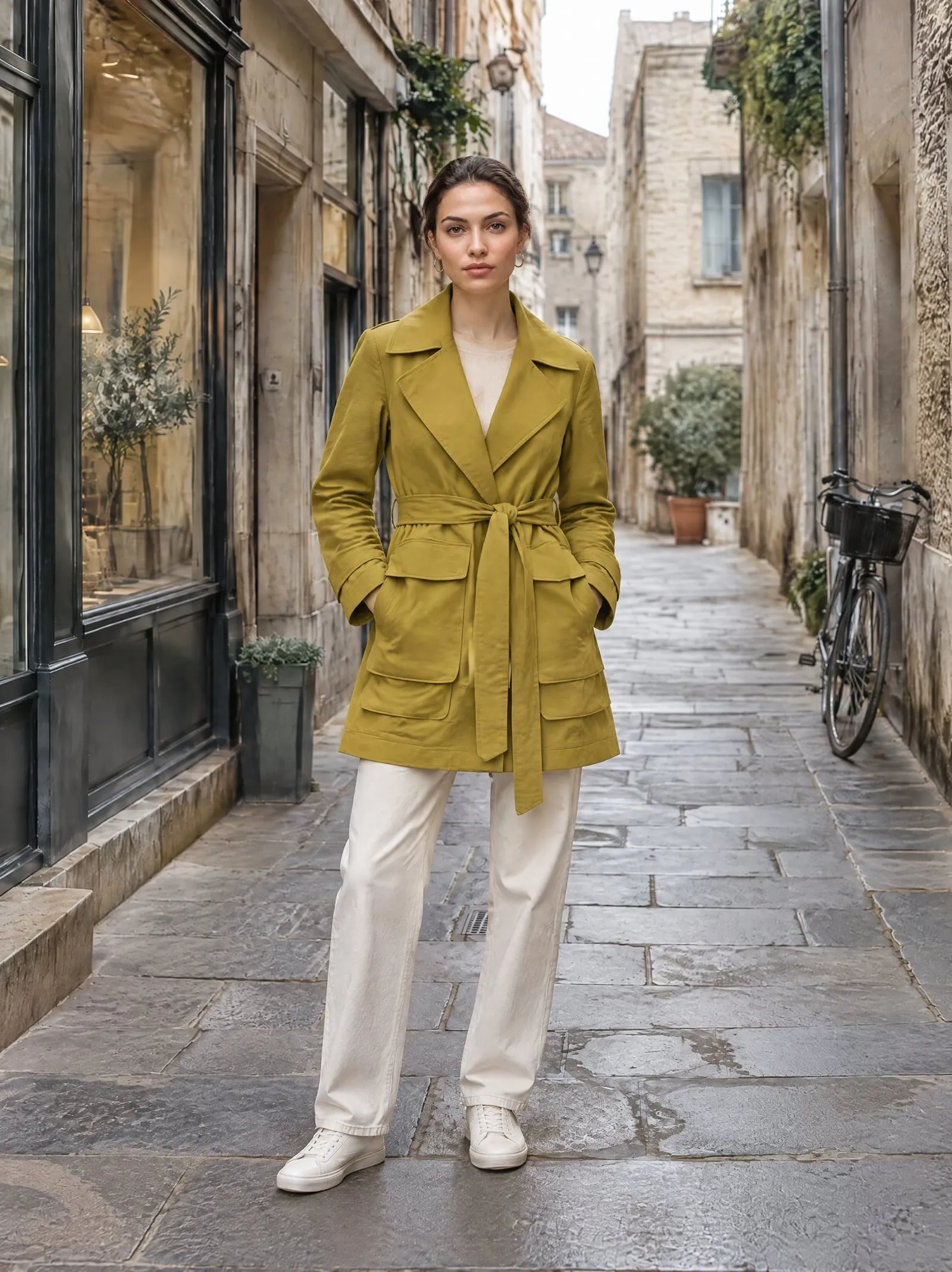
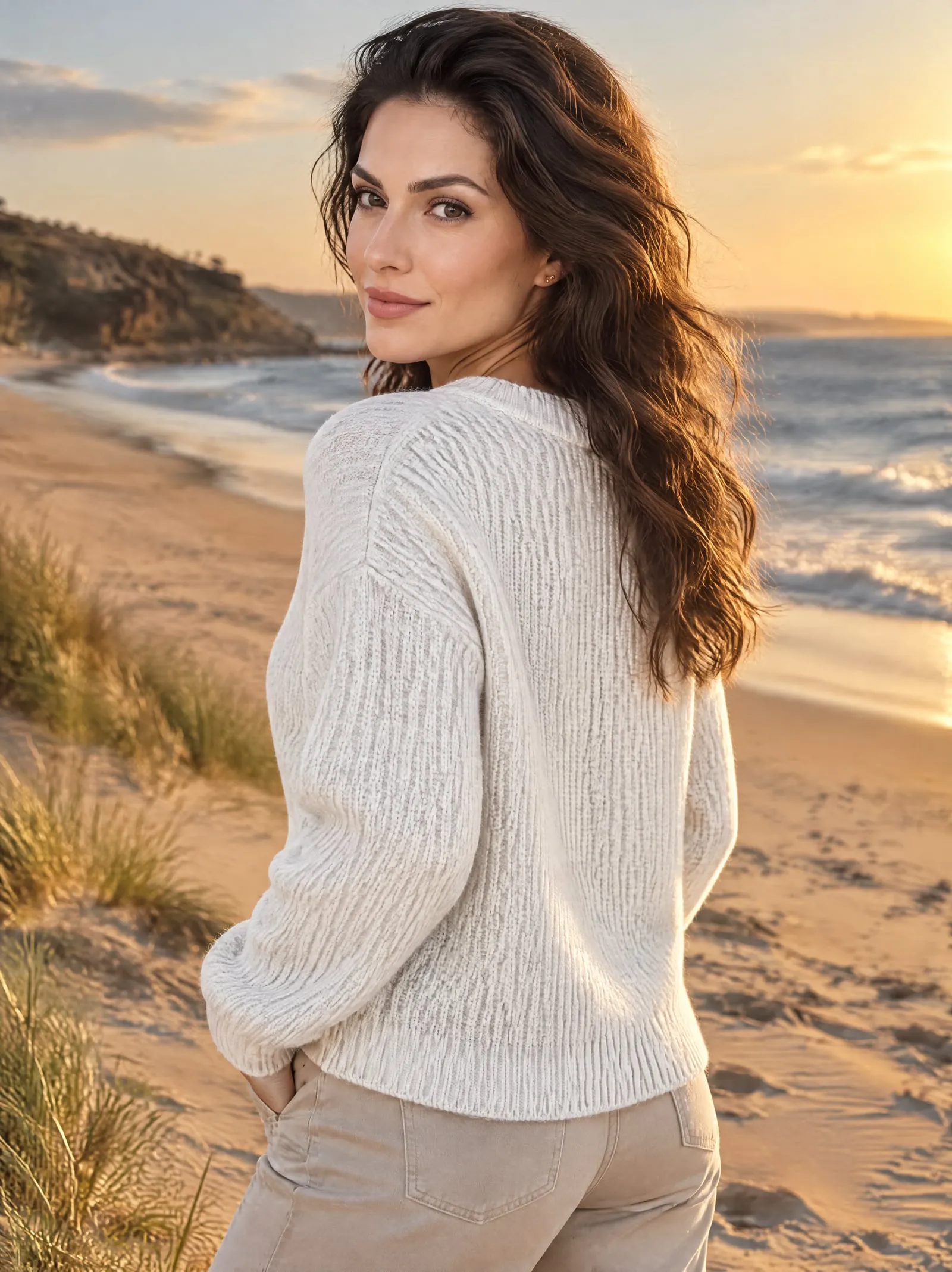
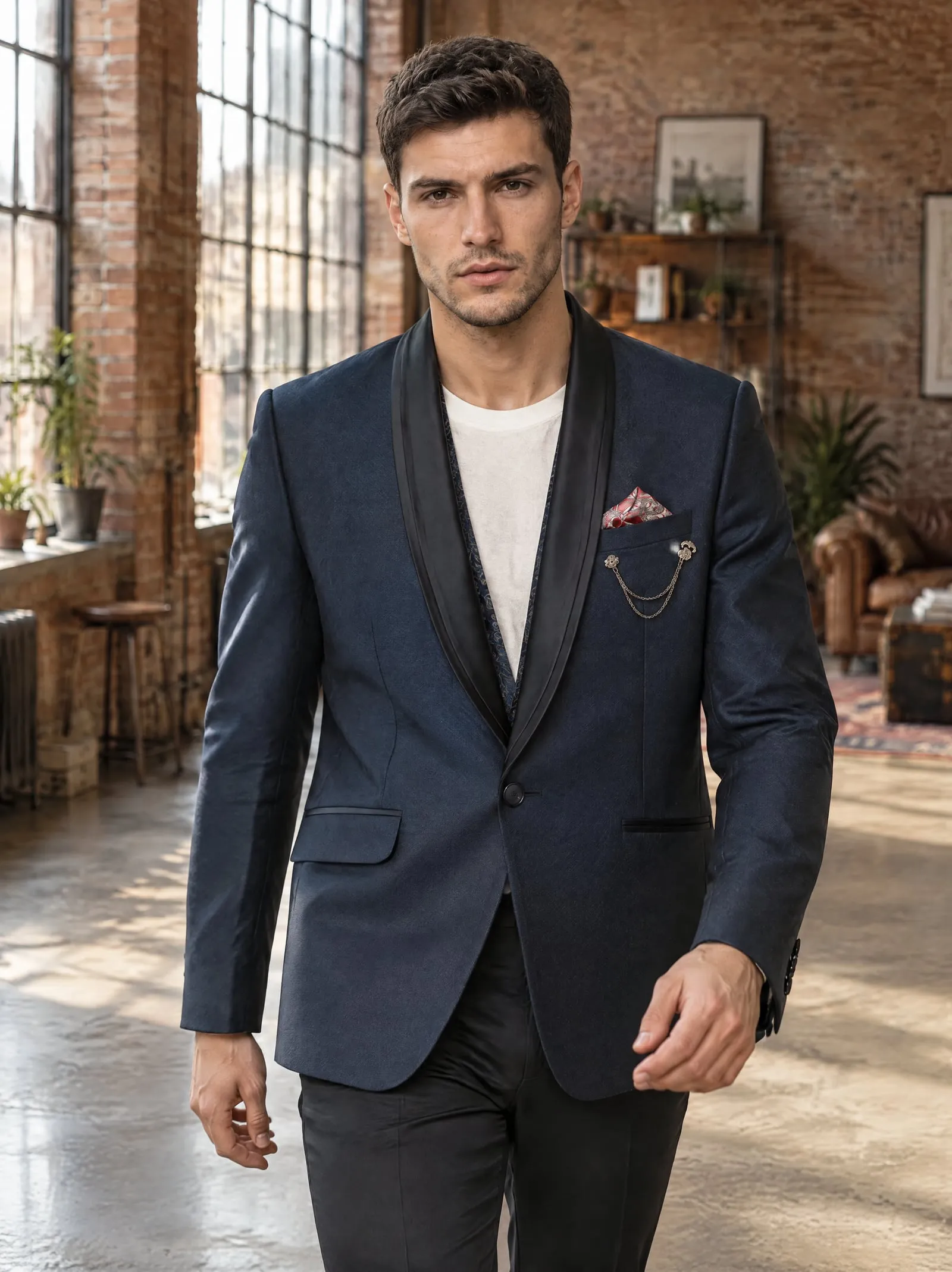
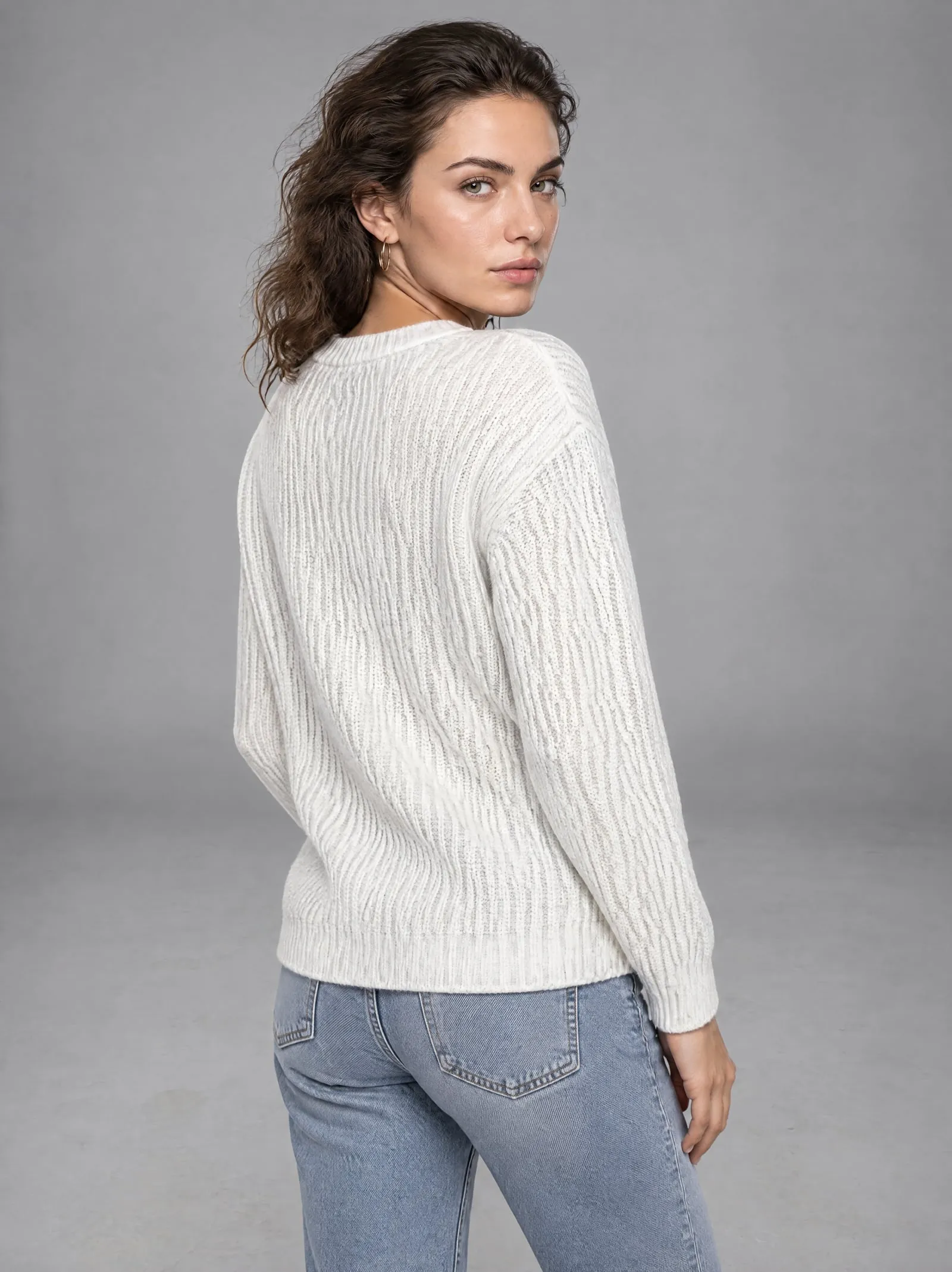
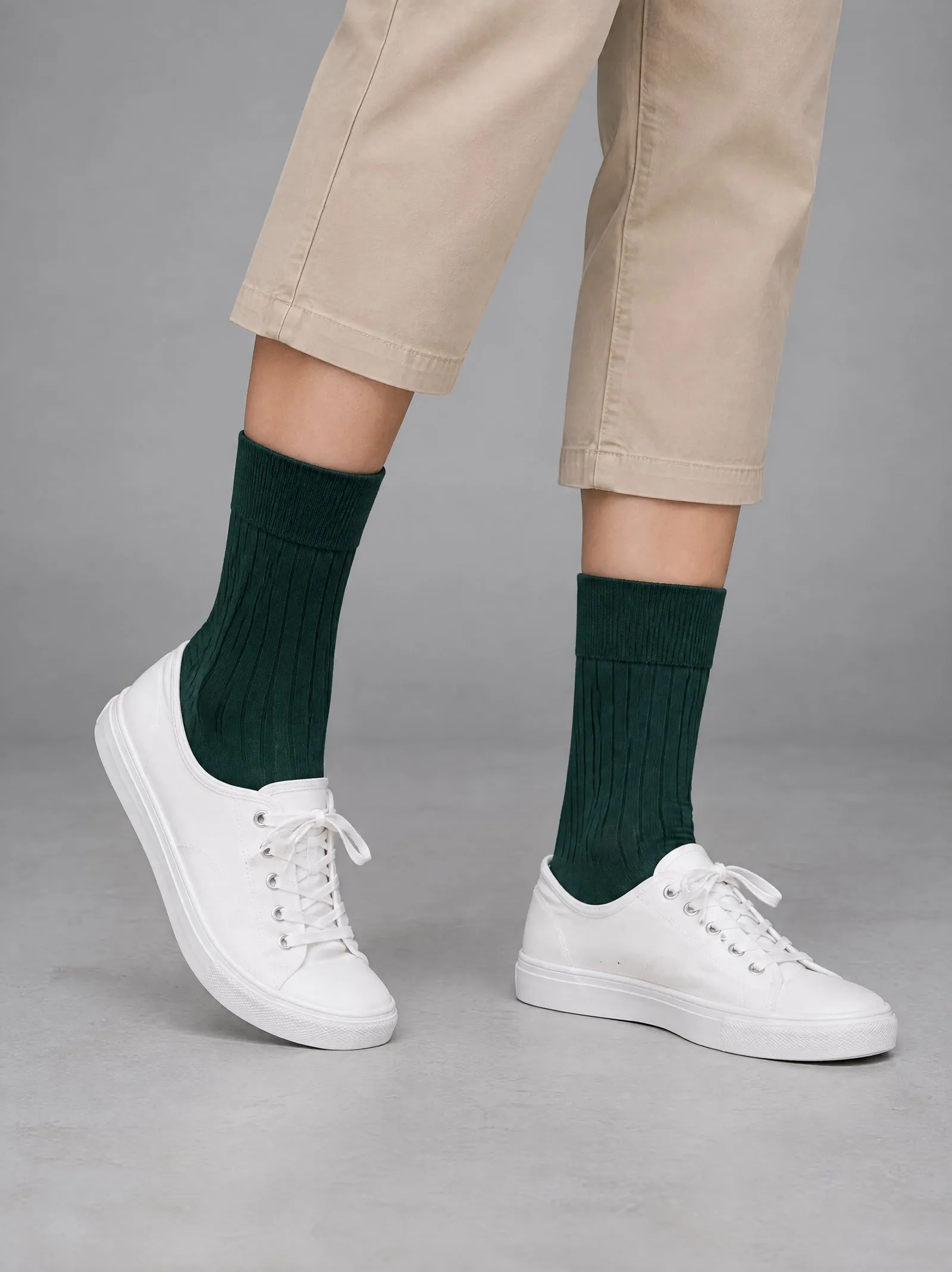


Any product, from one photo.


Three steps, a few minutes.
- 1
Pick the product
Its photo is already on it.
- 2
Choose a model and a place
26 models, 29 places, or your own.
- 3
Add the photos you like
Up to 12 a shoot, straight to the product.
Questions, answered.
Something else? Write to support@onshoot.app and a person will reply.
Who are the models?
26 AI models, not real people: eleven women and nine men aged 18 to over 45, with slim, curvy, athletic, petite and plus-size builds, and three girls and three boys aged 4 to 12. Each photoshoot uses one model, so every photo shows the same person.
Do I need a studio or new photos?
No. OnShoot works from the photos already on your Shopify product: a flat lay, a mannequin, a hanger or the product on its own.
Where are the photos taken?
In one of 29 places, from studios and coloured walls to a café, a loft, a street and a beach. Or describe a place in a sentence, or upload a photo of your own shop.
Will a whole collection look consistent?
Within a shoot, every photo has the same model, place and light. Use the same model and place for each product and the collection reads as one shoot.
How big are the photos?
2480 × 3312 pixels: 8 MP, in the 3:4 shape most product pages use.
What does it cost?
Ten credits a photo. The Free plan makes 5 photos a month; Growth makes 150 for $29, about $0.19 a photo. Photos that don't come out are refunded in credits.
Try it on your own product.
Five free photos a month, with every model and place.
