


Photoroom alternative: A Photoroom alternative, for model shoots.
Photoroom edits any product photo. OnShoot does one thing: whole photoshoots on models, straight to Shopify.
Install on Shopify — free

OnShoot and Photoroom, compared.
| Feature | OnShoot | Photoroom |
|---|---|---|
| Made for | Photoshoots on models, or of a product on its own | Editing product photos: backgrounds, retouching, AI images, video |
| Price per model photo | $0.19 on Growth ($29 for 150) | About $0.19 at 2K on Max ($34.99 for up to 185); 1K only on Pro ($12.99) |
| Free photos | 5 a month on the Free plan | A free version, and a trial of paid plans |
| A shoot | Up to 12 photos with one model, one place, one light | Pick a model, pose and background for each image |
| Photo size | 2480 × 3312 (8 MP) on every plan | 1K on Pro, 2K on Max, 4K on Ultra ($99) |
| Places | 29 places, your own photo, or a sentence | Backgrounds and poses to choose from |
| Shopify | Runs in your Shopify admin; photos go on the product with alt text | Shopify integration on Max and Ultra |
Photoroom's facts are from photoroom.com, checked 5 October 2026. OnShoot's are from our pricing.
Honestly, it depends.
Pick Photoroom if
- You want one tool for every photo edit: background removal, retouching, templates.
- You sell on many marketplaces, not just Shopify.
- You only need 1K model photos, where Pro costs less.
Pick OnShoot if
- You want photoshoots, not single images: the same model and place across every photo of a product.
- You want photos added to your Shopify products without downloading and uploading.
- You want 8 MP photos without moving up to a higher plan.
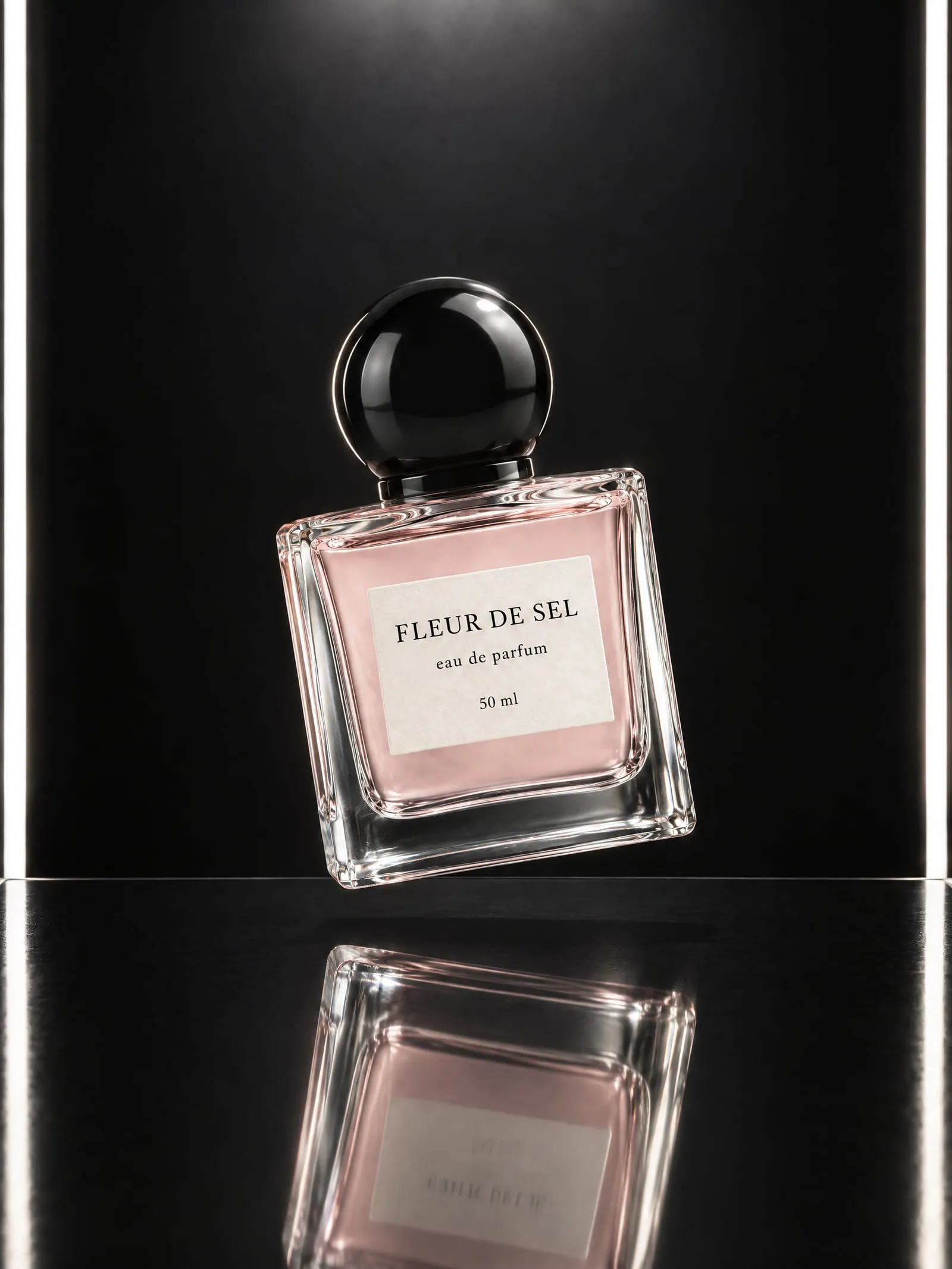
- You sell beauty, where labels have to stay exactly as printed.
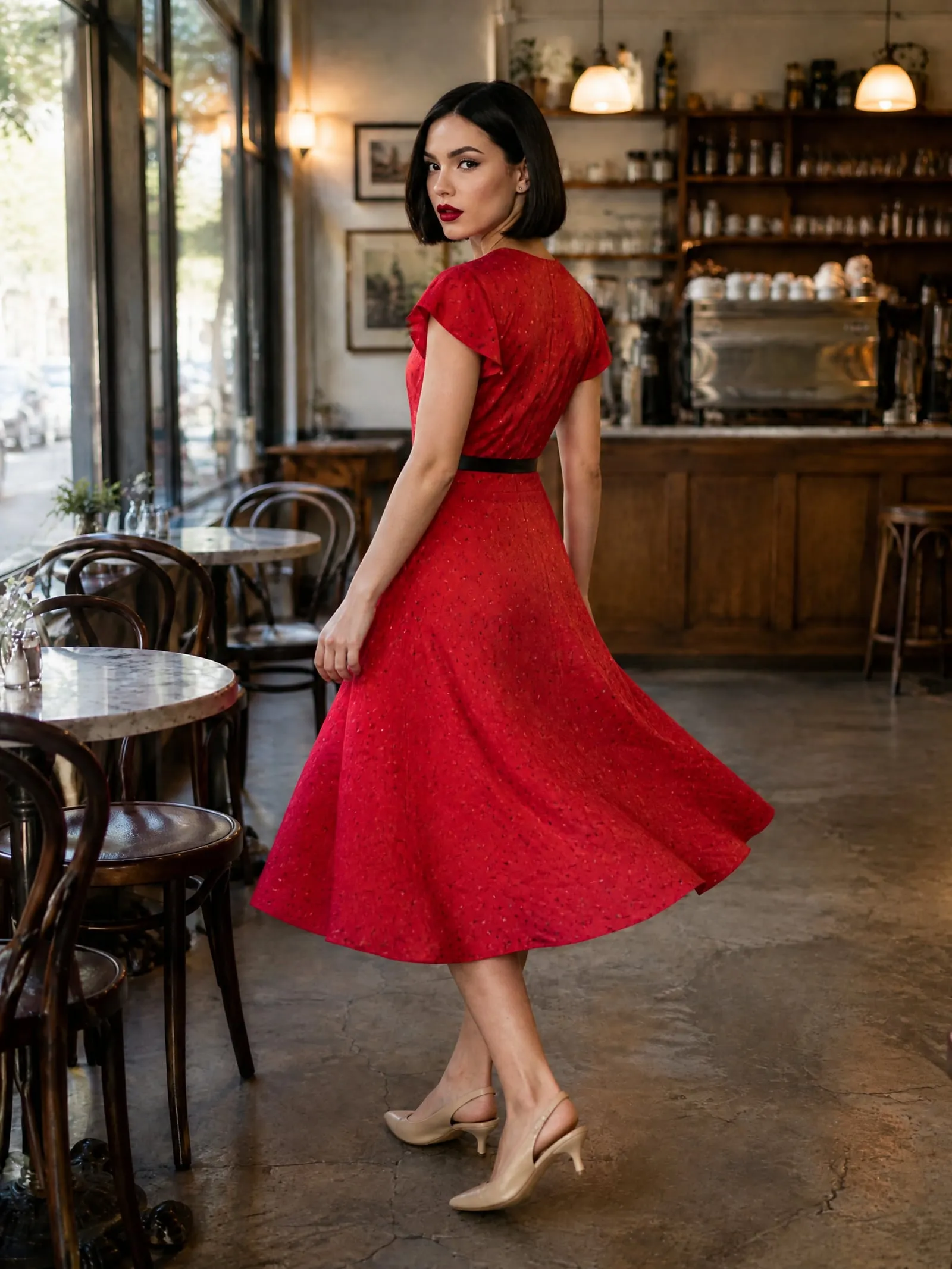
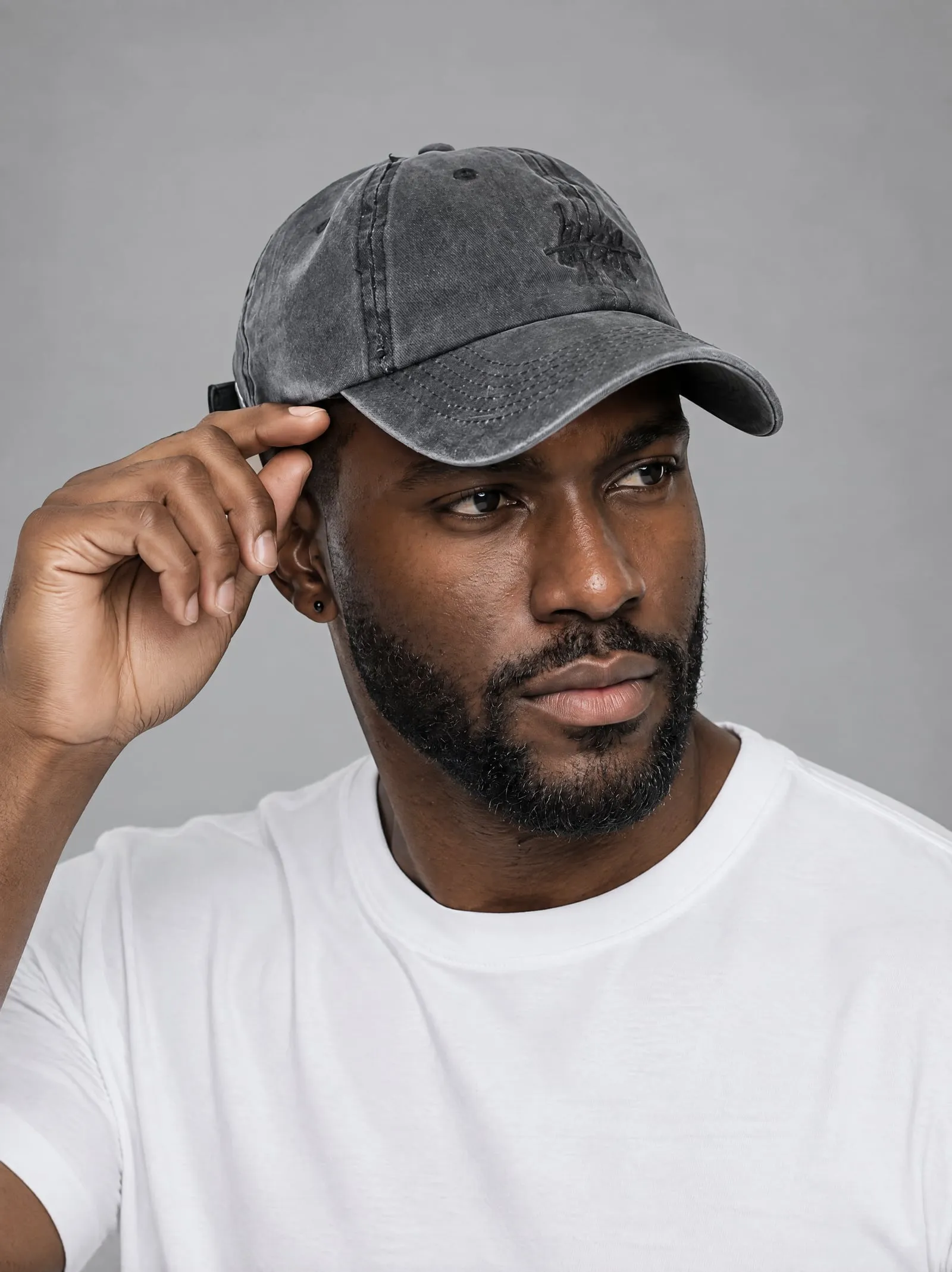
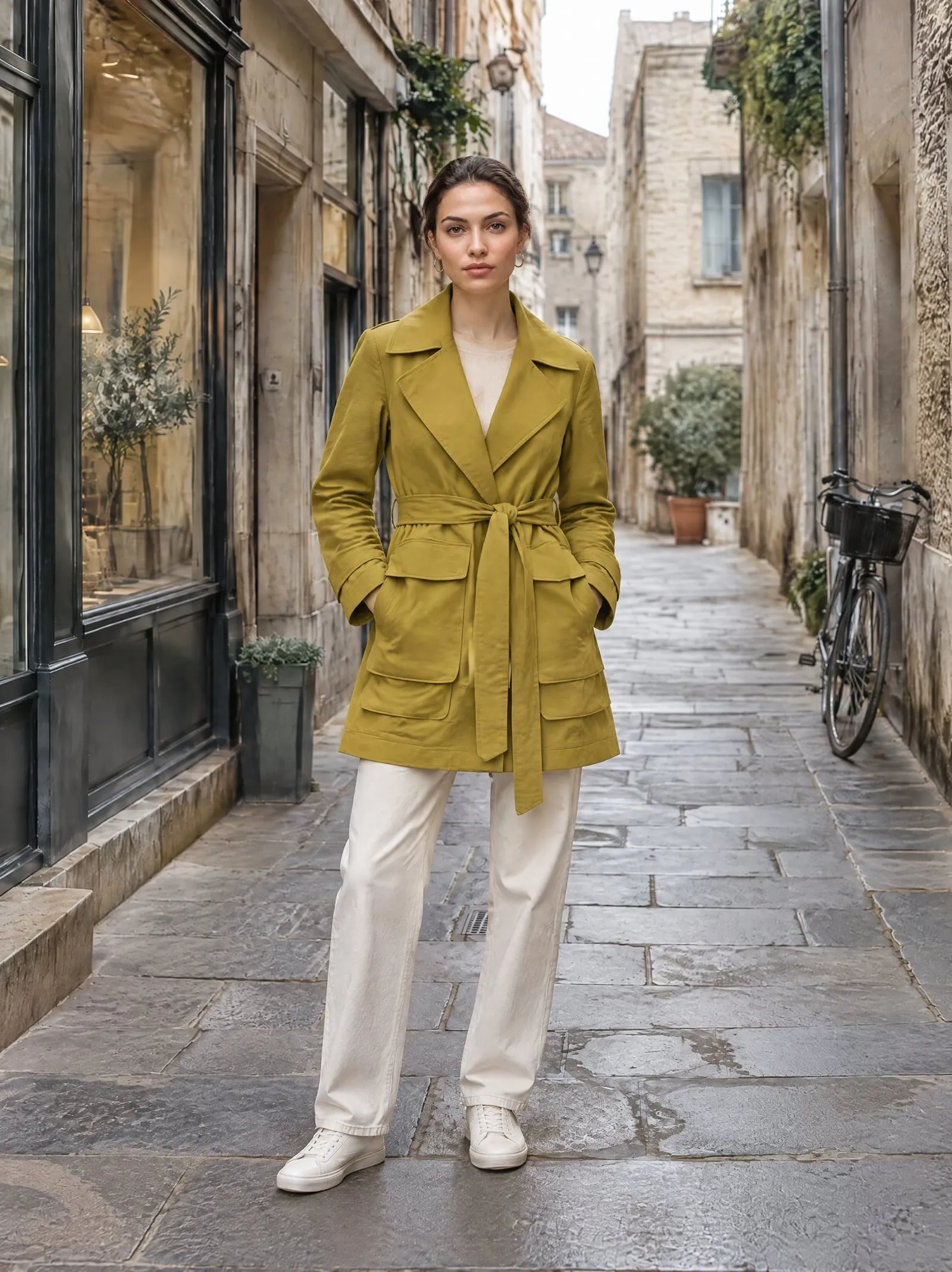
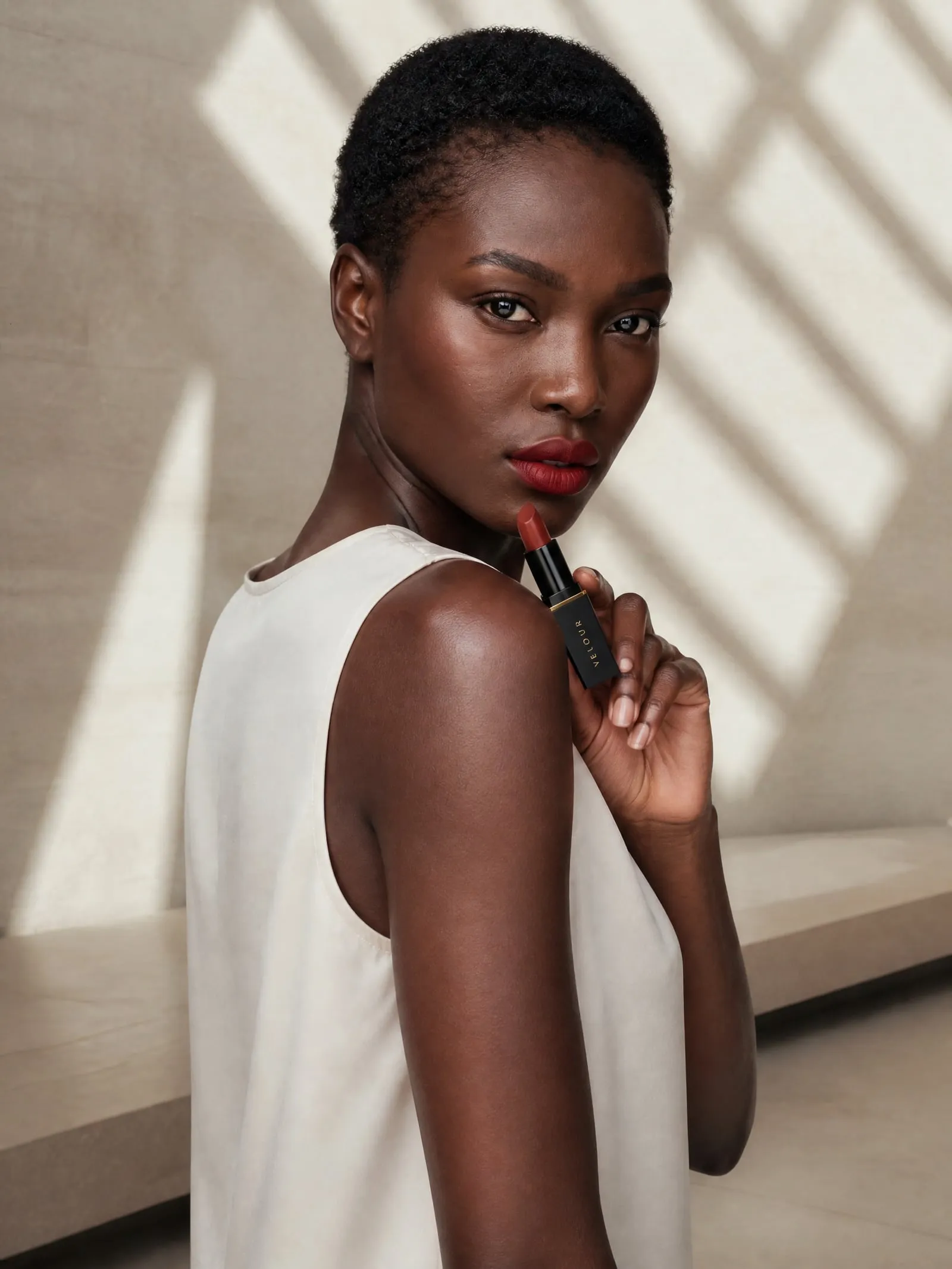
Real shoots, real products.


Questions, answered.
Something else? Write to support@onshoot.app and a person will reply.
Is OnShoot cheaper than Photoroom?
For 2K-and-up model photos, about the same: $0.19 a photo on OnShoot's Growth plan and on Photoroom's Max plan. Photoroom's Pro plan is cheaper for 1K model photos (Photoroom's pricing page, 5 October 2026).
What's the difference between OnShoot and Photoroom?
Photoroom is a photo editor with an AI fashion model tool among many. OnShoot only makes photoshoots: you pick a model and a place, it makes up to 12 matching photos and adds the ones you choose to your Shopify product.
Can I use both?
Yes. Some merchants clean up product photos in an editor first; OnShoot works from whatever photo is on the product.
Can I try OnShoot before paying?
Yes. The Free plan makes 5 photos a month with every model and place, for as long as you like.
Try it on your own product.
Five free photos a month, with every model and place.

