


The short answer: start from one clear photo of each garment, pick one AI model and one place for the whole collection, make every angle in one shoot, check each photo against the real product, and publish them alongside a photo of the product itself.
Start with the photos you have
You don't need a new shoot. A flat lay, a garment on a mannequin or one on a hanger is enough to put it on a model.


Make the product photo easy to read
The AI can only copy what it can see. A good starting photo has:
- The whole garment in frame, front side up
- Even light, no harsh shadow across the print
- At least 512 px on each side; bigger is better
- Nothing else in the frame: another product is the most common reason a photo is turned down
One model and one place per collection
A collection reads as one brand when every product is worn by the same model in the same place and light. Pick them once, then reuse them for each product.



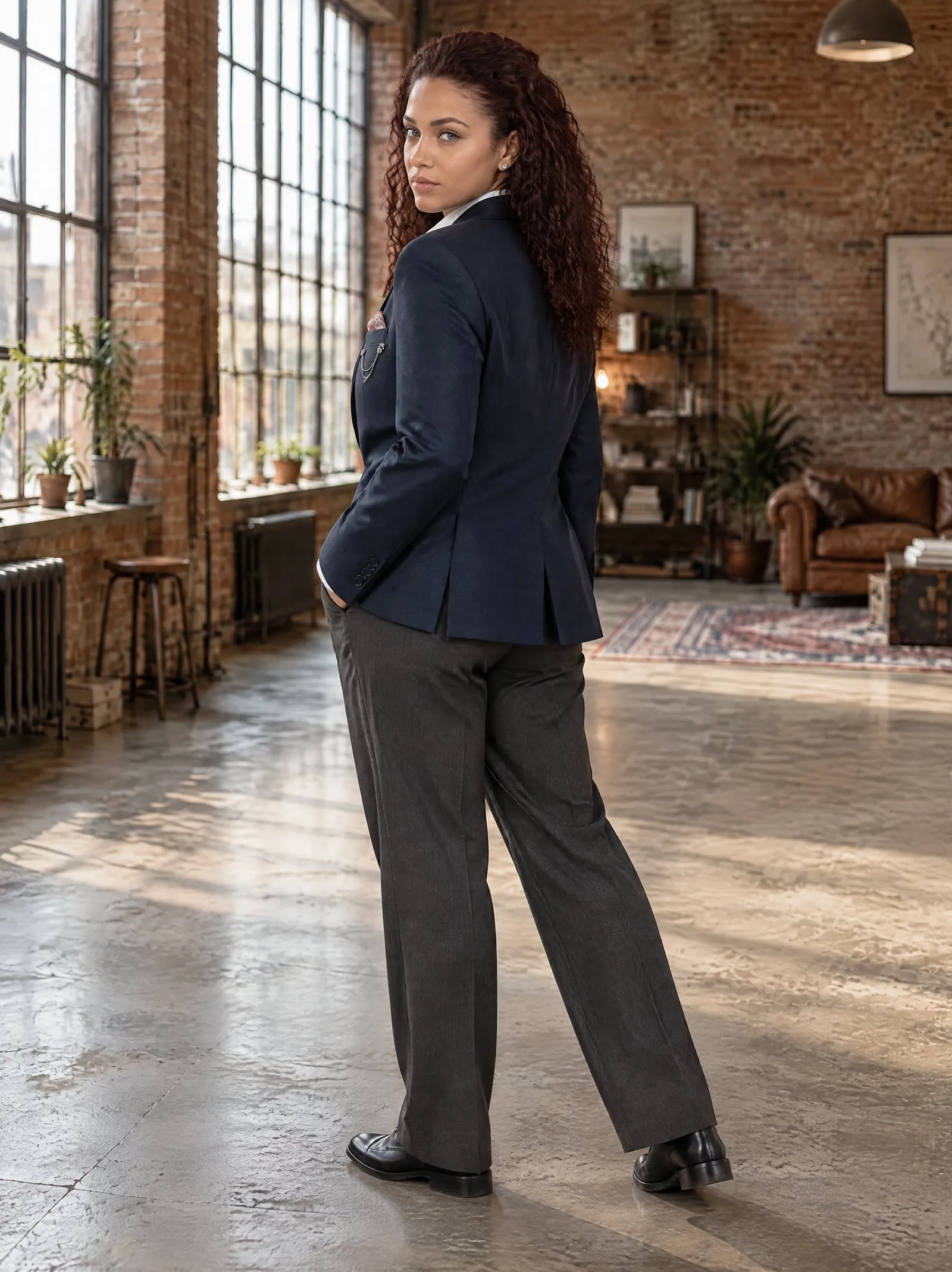


Shoot every angle at once
Shoppers want the front, the back, the side and the garment moving. Make them in one photoshoot, so the model, place and light match across all of them.

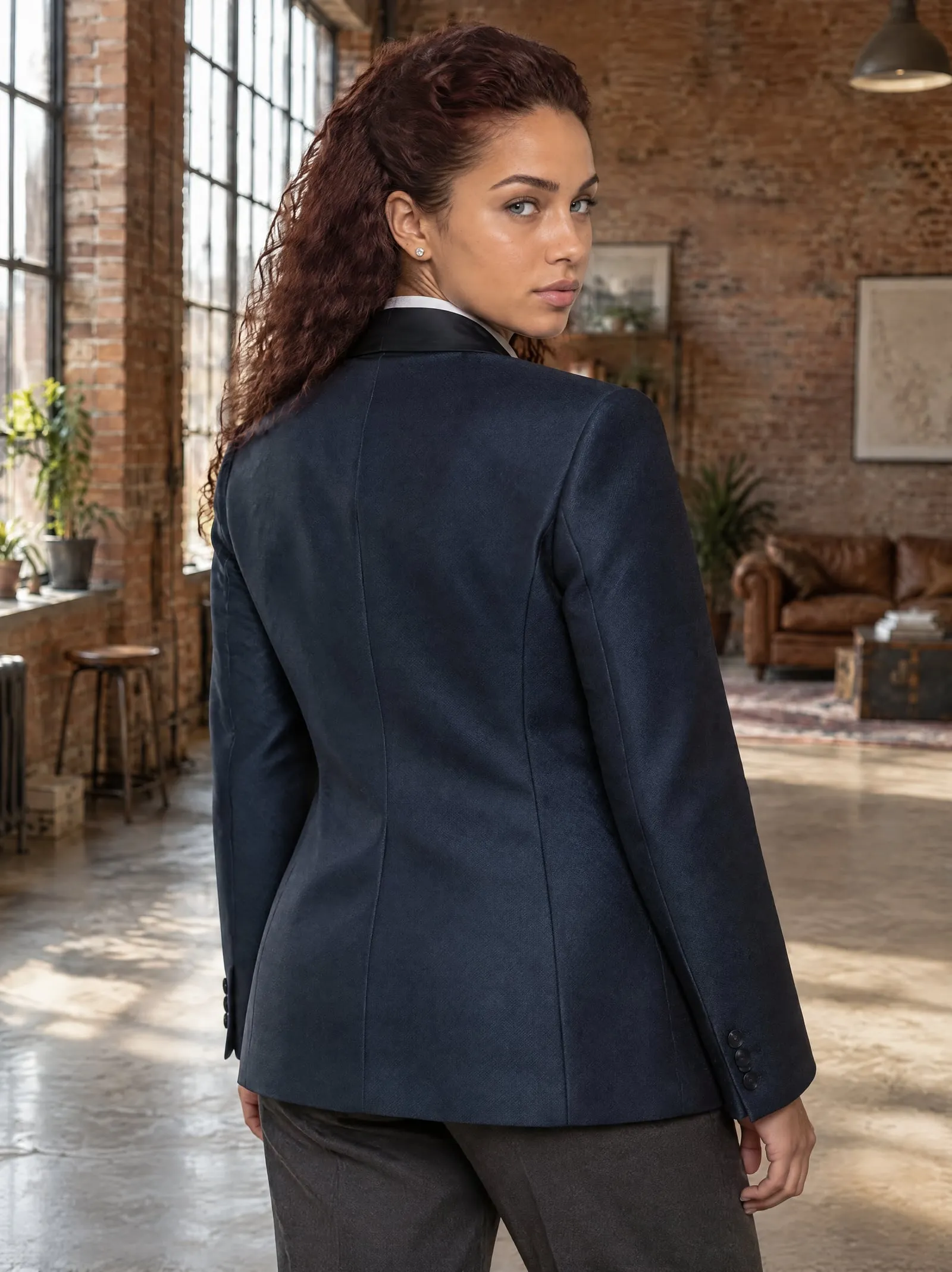
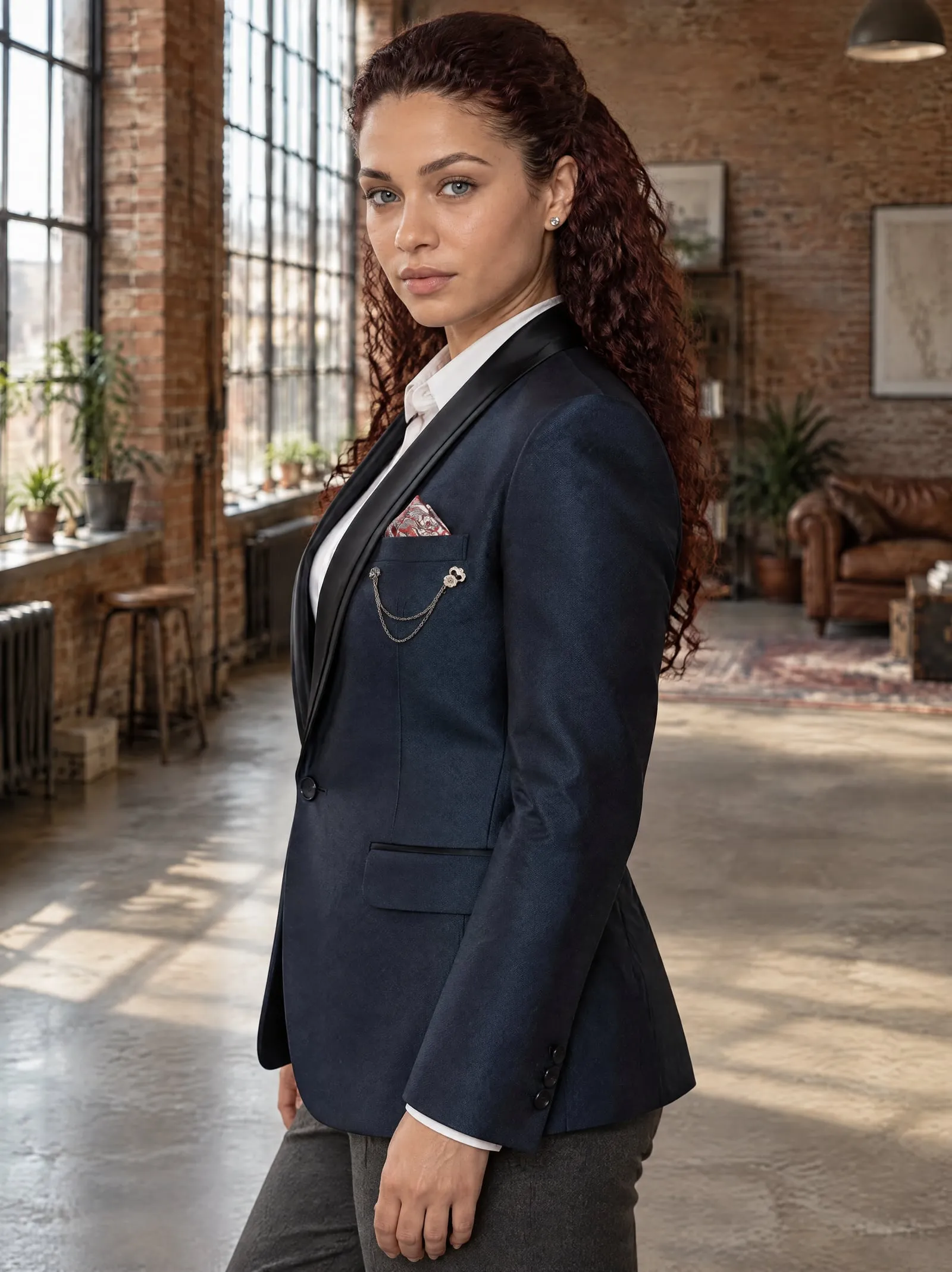
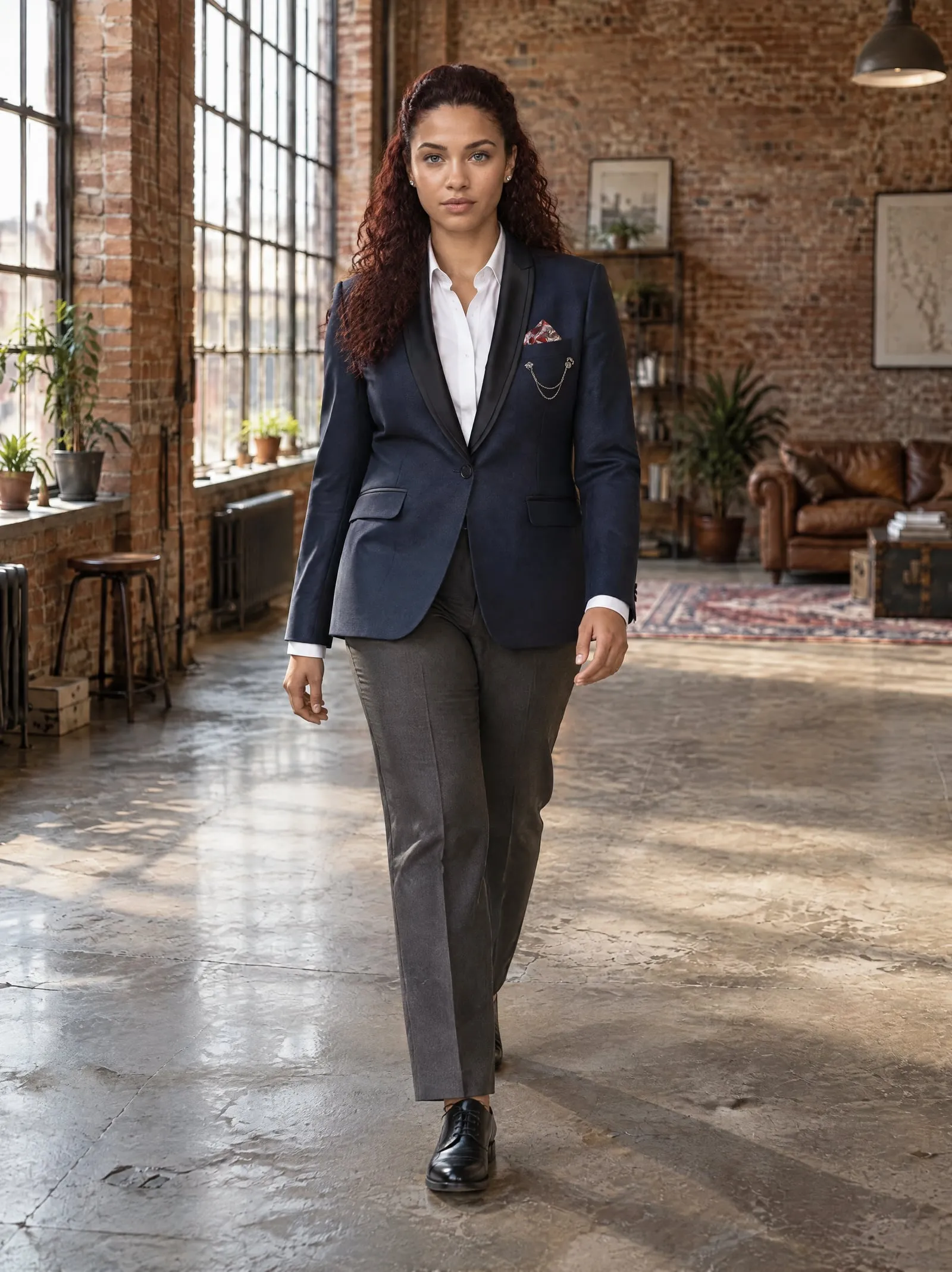


Check every photo against the real product
Before a photo goes live, hold it next to the product photo and check:
- Colour and print
- Logos, labels and buttons
- Length and fit: a cropped top stays cropped
- Anything added that isn't on the product
Leave out any photo that gets the product wrong. In OnShoot, photos that don't come out are refunded in credits.
Publish them with the product photo
Lead with the best on-model photo, follow with the other angles, and keep the plain product photo in the gallery so shoppers can see the garment itself. Give each photo alt text that names the product; OnShoot writes it when it adds photos to a Shopify product.
Rules worth knowing
- Show the product as it is. Marketplaces and ad platforms reject images that misrepresent a product. An on-model photo has to match the real garment.
- Google Shopping wants AI images labelled. Google Merchant Center asks for AI-generated product images to carry the IPTC
DigitalSourceTypemetadata tag, and for that tag not to be removed. If you list on Google Shopping, check your images keep it (Google Merchant Center: AI-generated content). - Keep the real photo too. A plain product photo next to the on-model ones lets shoppers see exactly what they're buying.


